If you’ve used MP3Cow before, you probably already know how it works: paste a YouTube link, wait a few seconds, and get an MP3 file. It’s fast and simple, which is why many people use it as a basic YouTube to MP3 converter.
The limitation shows up in daily use. MP3Cow only allows about 10 conversions per day unless you upgrade, and it doesn’t let you choose audio quality or formats beyond MP3. For casual use it’s fine, but once you start converting playlists or multiple tracks, the restriction becomes noticeable.
That’s why many users start looking for alternatives to MP3Cow that offer fewer limits, more control over audio quality, or better support for YouTube to MP3 workflows.
Table of Contents
Best Alternatives to MP3Cow: Quick Picks & Comparison Table
Here are the most practical MP3Cow alternatives based on real usage, speed, and flexibility.
Quick Picks: Which MP3Cow Alternative Should You Choose
Best overall: Hicoo YouTube to MP3 Converter
Feels closest to a complete YouTube to MP3 workflow. You can search directly, preview tracks, and choose audio quality up to 320kbps without dealing with ads or interruptions.
Best for unlimited use: AnyMusic
Works better if you convert music regularly or handle playlists. No daily limits, and batch conversion makes it more practical than most web-based tools.
Best for simple lightweight use: YTBDownload
Keeps a simple workflow with both URL and keyword support, plus preview before converting. It’s best when you just need quick conversions without extra settings.
Comparison Table: Key Differences at a Glance
| Tool | Limit | Duration | Quality | Speed | Ads | Search Support |
|---|---|---|---|---|---|---|
| MP3Cow | 10/day | 90 min | fixed | fast | low | url only |
| Hicoo | low | moderate | up to 320kbps | fast | none | yes |
| YTBDownload | low | moderate | up to 320kbps | fast | low | yes |
| AudioCleaner | unknown | limited | fixed | medium | low | url only |
| Turboscribe | medium | medium | variable | medium | low | url only |
| MelodyInbox | medium | 2 hours | up to 320kbps | medium | high | yes |
| AnyMusic | none | none | up to 320kbps | fast | none | yes |
In-Depth Reviews of MP3Cow Alternatives
We tested several alternatives to MP3Cow in real use cases, focusing on speed, audio quality options, ease of use, and how each one handles everyday tasks like single tracks or longer playlists. The tools below are grouped based on how they actually perform, not just feature lists.
Hicoo YouTube to MP3 Converter – Best Overall Alternative to MP3Cow
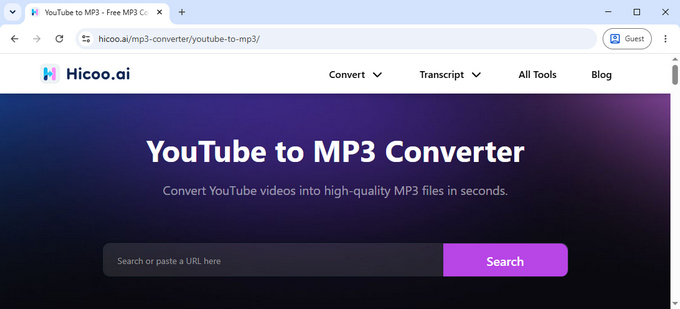
Hicoo feels closer to a modern YouTube to MP3 workflow than a simple link-based tool.
Instead of relying only on pasted URLs like MP3Cow, you can search directly by keywords. For example, typing something like "lofi hip hop" immediately brings up results that you can preview before converting. It removes the friction of switching between YouTube and another tab just to copy links.
Audio quality control is another clear difference. You can choose between 128kbps, 192kbps, 256kbps, and 320kbps MP3 output depending on how you plan to use the file. Lower bitrate works fine for casual listening, while higher settings are more suitable for building a long-term music library.
The interface stays consistent during use, without pop-ups or unexpected redirects. Compared to typical MP3 conversion sites, the overall flow feels more stable and predictable.
The only small drawback is that you need to choose format and quality before processing, which adds a step compared to MP3Cow’s one-click approach.
YTBDownload – Simple YouTube to MP3 Converter with Preview
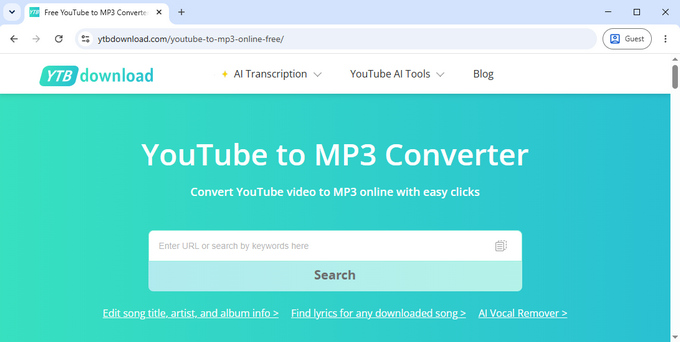
YTBDownload stays close to MP3Cow in simplicity, but adds a useful preview step that changes the workflow slightly.
You can paste a YouTube link or search by keyword, then quickly confirm the correct video before converting it. This is especially helpful when multiple uploads or versions of the same song exist.
In everyday use, it performs best with standard short music tracks around 3–5 minutes. Conversions are generally fast and stable in those scenarios.
Where it becomes less practical is with longer content. Anything beyond roughly 10 minutes is not supported in the web version, which limits its use to basic music conversion rather than extended audio.
AudioCleaner – Minimal YouTube to MP3 Tool
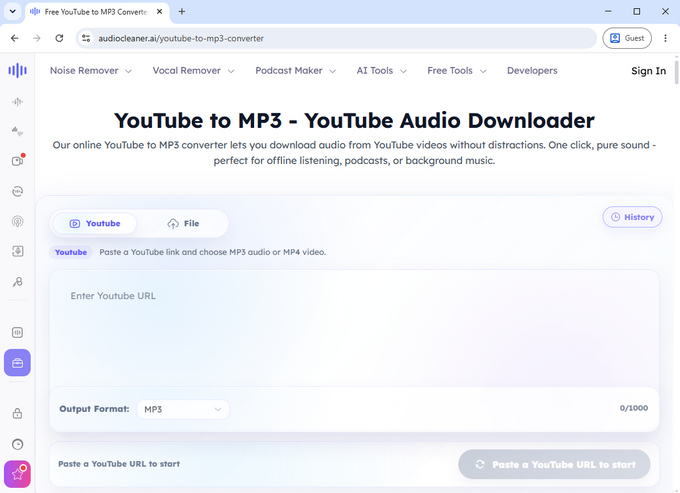
AudioCleaner focuses on a very minimal experience.
You paste a YouTube link, choose MP3 or MP4, and start processing. There are no bitrate options, no keyword search, and no additional settings to adjust.
This simplicity makes it easy to use, but also limits flexibility. During testing, longer videos occasionally failed to process correctly, and in some cases the page stopped responding until you clear browser cache.
It can also be slightly confusing at first, since the interface suggests multiple links are supported, but in practice only one can be processed at a time.
Turboscribe – Multi-Format YouTube Audio Converter
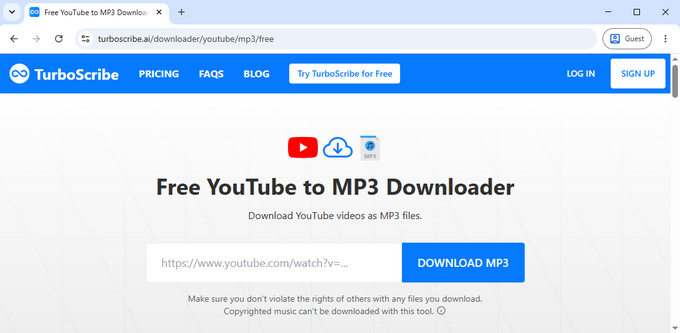
Turboscribe takes a different approach compared to most YouTube to MP3 tools.
After pasting a link, it analyzes the video and presents multiple output formats such as MP4, M4A, and WebM. Each option comes with different file sizes, so you choose after processing rather than before.
The workflow is not immediately intuitive because selected files open in a new tab where you manually save them. Once you get used to it, it becomes straightforward, but the first experience can feel slightly unfamiliar.
Performance is generally stable, although not every YouTube link is supported, especially some music-related content.
MelodyInbox – Feature-Rich YouTube to MP3 Converter with Ads

MelodyInbox offers more control than most browser-based tools.
You can search by keyword, preview videos, choose bitrate up to 320kbps, and even trim audio before exporting. This makes it useful when you only need a specific part of a track, such as an intro or chorus.
It also supports longer videos of up to around two hours, which extends its use beyond simple music conversion.
The main downside is the ad behavior. Some interactions can trigger new tabs, which interrupts the flow when converting multiple files in a row.
AnyMusic – Batch YouTube to MP3 Conversion
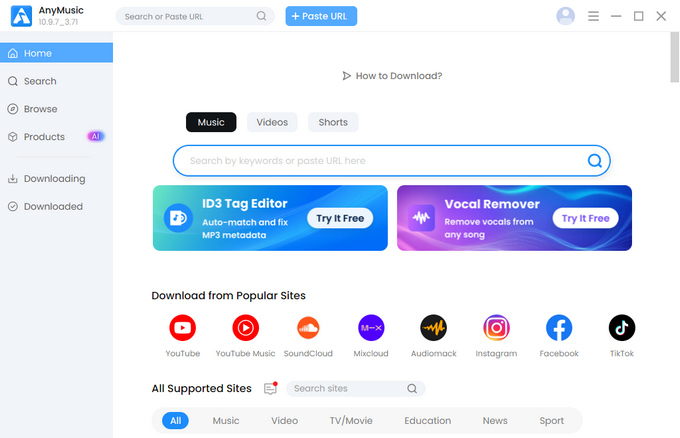
AnyMusic is built for higher-volume YouTube to MP3 conversion, especially for users who work with playlists or multiple tracks at once.
Once installed, it removes most of the limitations you typically see online. There is no daily cap, no duration restriction, and full support for batch processing.
You can even convert entire playlists in one go instead of handling tracks individually, which makes it more suitable for heavy or repeated use.
The only real trade-off is installation. However, once set up, the experience is stable and free of ads or interruptions.
Best MP3Cow Alternative for Different Needs
If you’re looking for alternatives to MP3Cow, the choice usually depends on how often you convert files, how much control you want over audio quality, and whether you prefer a simple or more flexible YouTube to MP3 workflow.
MP3Cow works well if you only need a few quick conversions from time to time.
Hicoo is the most balanced option if you want better control over audio quality and a smoother YouTube to MP3 workflow.
AnyMusic fits better for frequent use or playlist-based conversion without limits.
YTBDownload is a good lightweight option if you prefer a simple workflow with preview support and don’t need advanced settings.
Frequently Asked Questions
What is MP3Cow?
MP3Cow is a simple YouTube to MP3 tool that lets users convert video links into audio files quickly. It is mainly used for fast, basic conversions without extra settings or configuration.
Is MP3Cow safe to use?
MP3Cow is generally used for basic YouTube to MP3 conversion and does not require installation or login. For normal usage, it is straightforward and lightweight.
What are the best MP3Cow alternative sites?
The best MP3Cow alternatives depend on how you use YouTube to MP3 tools. Hicoo is the most balanced option for quality control and clean workflow. AnyMusic is better for unlimited and playlist-based usage. YTBDownload is a simple alternative that supports preview and works well for short YouTube videos.
Which MP3Cow alternative is closest to MP3Cow?
Hicoo is the closest alternative to MP3Cow in terms of simplicity. It keeps a similar paste-and-convert workflow but adds small improvements like preview support and keyword search, making it slightly more flexible while still staying easy to use.
How to convert YouTube to MP3 without ads?
Hicoo is one of the most straightforward options if you want a clean YouTube to MP3 experience without pop-ups or interruptions, since the whole process stays on one page from search to conversion.