Extracting audio from a video should be quick and straightforward, but that isn't always the case. Some tools compress audio too aggressively, others change the original duration, and many free online video to audio converters rely on intrusive ads that make simple tasks frustrating.
To identify the tools that actually perform well, we tested several popular audio extractor tools using the same 25.2 MB MP4 file (5:18 duration), focusing on real-world performance such as extraction speed, output quality, file accuracy, usability, and overall experience.
This guide covers both local video file converters and a lightweight option for extracting audio from YouTube videos.
Whether you're saving a podcast, converting a lecture into MP3, or extracting audio from your own recordings, these are the tools that stood out in testing.
Table of Contents
Audio Extractor Test Results
The table below summarizes the results from our hands-on testing. Every tool was evaluated using the same 25.2 MB MP4 file (5:18) under identical conditions, allowing us to compare extraction speed, output quality, duration accuracy, and overall workflow.
| Tool | Extraction Time | Output Bitrate | Output Duration | Notable Findings |
|---|---|---|---|---|
| Hicoo YouTube Audio Extractor | Instant* | Original audio | Original | URL & keyword search, no upload required |
| Hicoo Free Audio Extractor Online | ~5 s | 128 kbps | 5:18 | Local processing, no ads, original filename preserved |
| AudioCut | ~7 s | 192 kbps* | 5:18 | Built-in editor, adjustable MP3 quality |
| FreeConvert | ~20 s | 124 kbps | 5:26 | Supports files up to 1 GB, batch conversion (5 files) |
| audio-extractor.net | ~3 s | 124 kbps | 5:26 | Fastest conversion, but ad-heavy |
| Hicoo Premium Converter | ~4 s | 124 kbps | 5:26 | Supports files up to 3 GB, batch conversion (30 files) |
* Notes:
- Hicoo YouTube Audio Extractor works differently from the other tools because it extracts audio directly from an online video instead of converting a local file, so upload and extraction times are not directly comparable.
- AudioCut was tested with 192 kbps MP3 selected manually. Other tools used their default export settings, so bitrate values should not be compared as a quality ranking.
Best Free YouTube Audio Extractor Online
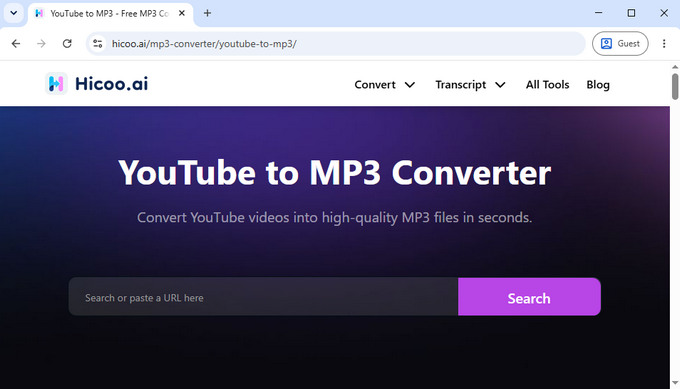
If you want to extract audio from YouTube videos, the workflow is different from local file conversion. Instead of uploading a file, you typically paste a URL or search for a video and extract the audio directly.
Hicoo YouTube Audio Extractor stood out because it supports both URL input and keyword search. This makes it easier to find videos without switching back and forth between platforms. The built-in preview feature also helps confirm the correct video before downloading.
It supports more than 200 platforms, including SoundCloud, Mixcloud, Audiomack, and Instagram. The process is fast and stable, with no intrusive ads during use.
In testing, it required no additional steps beyond pasting a link, which made it noticeably faster compared to file-based converters that require uploading and processing.
It is best suited for users who need to extract audio from link they have permission to download or own.
Best Audio Extractor Tools for Local Files
For local video files, we tested a separate set of tools from YouTube-based extractors. Different tools are designed for different needs. Some focus on fast extraction, while others offer more output options or handle larger files more reliably.
In our testing, we saw clear differences in performance. Some video audio extractors completed extraction in as little as 3-5 seconds, while others took around 20 seconds or more depending on file size and processing method.
Below are the tools that performed best across different real-world scenarios.
Best for Fast Audio Extraction - Hicoo Free Audio Extractor Online
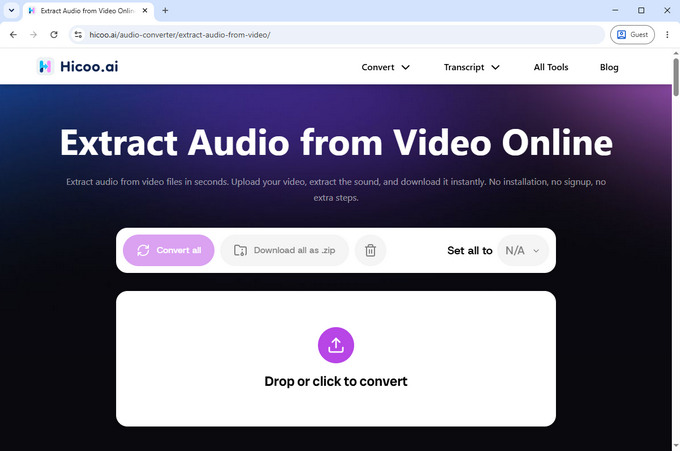
Hicoo Free Audio Extractor Online completed audio extraction in around 5 seconds during our test, making it one of the fastest tools we evaluated.
The output remained stable with no noticeable quality loss, and the original video duration was fully preserved. The free audio extractor tool also keeps filenames unchanged, which helps when managing multiple downloads.
One additional advantage is that it uses local processing in the browser, which improves privacy since files are not uploaded to external servers. It is also free of ads, which makes the workflow smoother compared to many online video to audio converters.
It supports batch processing of up to 3 files at once, which is useful for handling small groups of videos such as lecture clips or short recordings.
It is designed for simple workflows where speed matters more than editing features or advanced configuration.
Best Audio Extractor with Built-in Editing - AudioCut
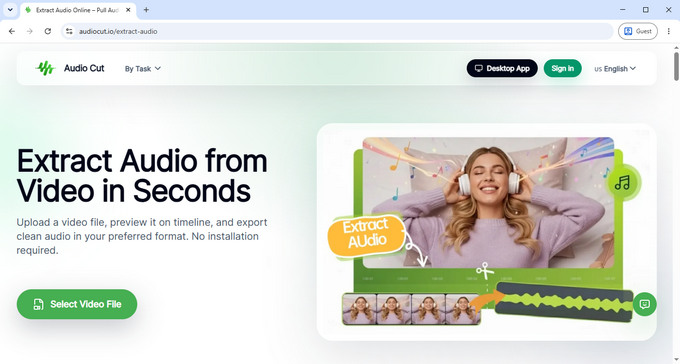
AudioCut took around 7 seconds to complete extraction in our testing.
Its main advantage is built-in editing. You can trim audio, apply fade effects, adjust playback speed, and preview changes before exporting. This removes the need for a separate editing tool.
This free online audio extractor also supports multiple output formats, including MP3, WAV, M4A, AAC, OGG, FLAC, and WMA. When exporting MP3 files, users can choose between 128 kbps, 192 kbps, and 320 kbps quality levels, offering more control over output size and audio quality.
It is better suited for selective extraction, such as isolating parts of lectures, interviews, or recordings, rather than full-file conversion.
Online Video to Audio Converter for Large Files - FreeConvert
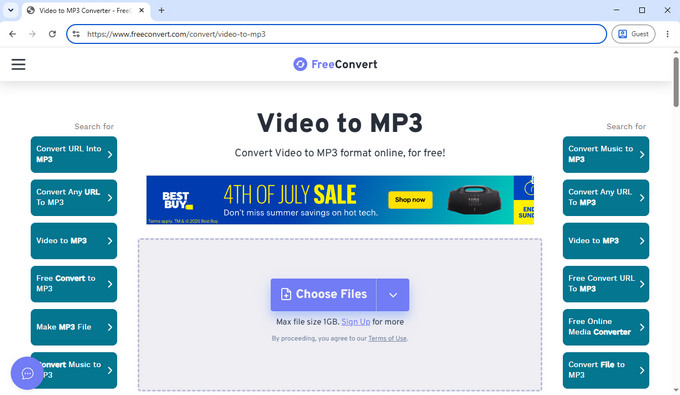
FreeConvert processed the same file in around 20 seconds, making it slower than lightweight tools but more flexible for larger workloads.
We also observed minor duration variations after conversion, which is typical of cloud-based re-encoding workflows that prioritize compatibility and file handling.
This free audio extractor supports file uploads up to 1 GB, which makes it suitable for longer videos, high-resolution recordings, or larger media projects. It also allows batch conversion of up to 5 files at once, which is useful when processing multiple videos in a single session.
It works better for users who need handling capacity and configuration options rather than fast, one-click extraction.
Fastest Online Audio Extractor - audio-extractor.net
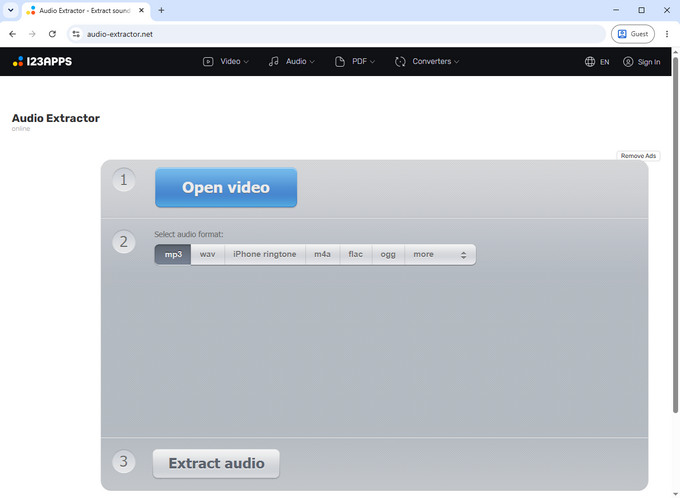
This free online audio extractor tool completed audio extraction in about 3 seconds, making it the fastest in our test.
However, usability is affected by frequent ads and occasional interface interruptions, which can slow down repeated use. It also adds branding to downloaded filenames, which may not be ideal for organized workflows.
Despite these drawbacks, audio-extractor.net supports a wide range of output formats, including MP3, WAV, M4A, FLAC, OGG, MP2, and AMR, which gives it flexibility across different use cases.
It is best suited for quick, one-time conversions where speed is the only priority.
Best for Large Files and Batch Conversion - Hicoo Premium Converter
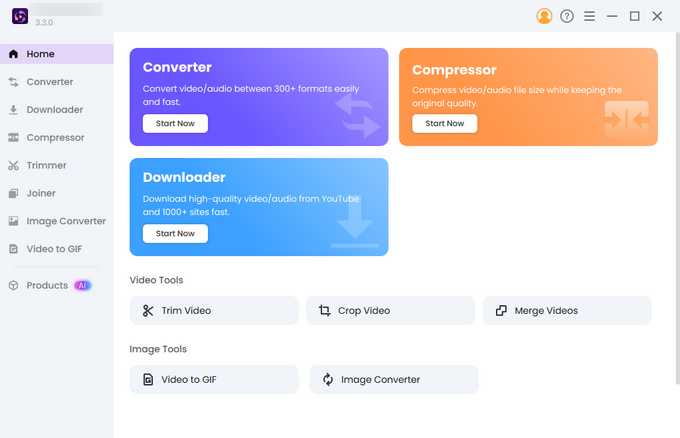
Hicoo Premium Converter processed the same file in around 4 seconds during our testing, delivering consistent output and stable performance.
It supports video files up to 3 GB and batch conversion for up to 30 files, making it well suited for long recordings, webinars, podcasts, or large media libraries.
Because processing happens locally on your computer, it avoids browser upload limits and remains responsive even when converting multiple large files.
Unlike most online audio extractors, it also provides advanced controls for codec settings, sample rate, trimming, and file merging, giving you greater flexibility for different audio workflows.
It is the best choice for users who regularly process large files or need to extract audio from multiple videos in a single batch.
How We Tested These Audio Extractor
To evaluate each tool fairly, we used the same testing setup across all platforms. Every video to audio converter was tested using an identical 25.2 MB MP4 file with a duration of 5 minutes and 18 seconds.
The goal was not to measure theoretical performance, but to reflect real-world usage conditions that most users encounter when extracting audio from video files.
We focused on five practical factors that matter most in real-world audio extraction workflows.
- Extraction Speed
We measured the time from upload completion to when the audio file became available for download. This reflects real user waiting time rather than backend processing estimates. - Output Audio Quality
We compared exported bitrate values and checked for compression artifacts, distortion, or quality loss. Some tools showed slight bitrate drops during re-encoding. - Duration Consistency
We verified whether the exported audio matched the original video length. A few tools produced minor timing shifts due to cloud-based processing. - Usability
We evaluated how easily a user could complete a conversion, including interface clarity, workflow steps, and whether ads interfered with the process. - Feature Flexibility
We assessed support for batch processing, file size limits, and extra features such as trimming or format selection.
How to Choose the Right Audio Extractor
The best audio extractor depends on where your videos come from and how you plan to use the audio.
For everyday video files, Hicoo Free Audio Extractor Online is the simplest option. It offers fast extraction, keeps the original audio quality, supports batch processing for up to three files, and runs directly in the browser without ads or uploads to external servers.
If you are working with YouTube or other online platforms, YouTube Audio Extractor is more convenient. You can paste a URL or search by keyword, preview the video before downloading, and extract audio without uploading any files.
For large files or frequent batch processing, Hicoo Premium Converter is better suited. Because processing happens locally on your computer, it avoids browser upload limits and remains responsive even with heavier workloads. It also supports files up to 3 GB, batch conversion of up to 30 files, and provides advanced controls such as codec selection, sample rate adjustment, and basic editing options.
If you only extract audio from video occasionally, a browser-based tool is usually enough. If you work with lectures, podcasts, or large video libraries on a regular basis, a desktop tool provides a more stable and efficient workflow.
FAQs
1. What is the best free audio extractor?
The best video to audio converter in our testing is Hicoo Free Audio Extractor Online, because it delivers fast extraction (around 5 seconds), preserves original audio quality and duration, and works without ads or installation.
2. How can I extract audio from a video for free?
You can extract audio from video for free using online tools like Hicoo Free Audio Extractor Online. Just upload your video, select MP3 or another format, and download the audio in seconds without quality loss.
3. Can I convert MP4 to MP3 without losing quality?
Yes, if the tool extracts the original audio instead of re-encoding it. In our testing, Hicoo Free Audio Extractor Online preserved the original bitrate, so the output maintained the same audio quality as the source.
4. Can I extract audio from YouTube videos?
Use Hicoo Free YouTube Audio Extractor Online. Upload your video, choose MP3, and extract the audio in seconds.
5. Is an online audio extractor from video safe?
It depends on the tool. Local-processing tools like Hicoo Free Audio Extractor Online are generally more privacy-friendly.
6. Which audio format should I choose?
MP3 is the most widely compatible format. WAV offers higher quality but larger file sizes. AAC and M4A are good alternatives for Apple devices and streaming use cases.