WAV files are widely used in editing, production, and AI audio workflows because they store uncompressed audio data. This results in higher audio fidelity but also significantly larger file sizes compared to compressed formats like MP3.
Because WAV is a straightforward format, most differences in real-world use come from the tools themselves, especially in how different converters handle processing speed, output consistency, and large file stability.
In practice, common issues usually fall into three areas: inconsistent output quality, file size limits, and unstable performance when handling large or multiple files.
In this article, we tested several WAV converters under the same conditions to compare speed, output consistency, file limits, and usability across different scenarios, including YouTube to WAV conversion, everyday file processing, and large batch workflows.
Table of Contents
Best Way to Convert YouTube to WAV
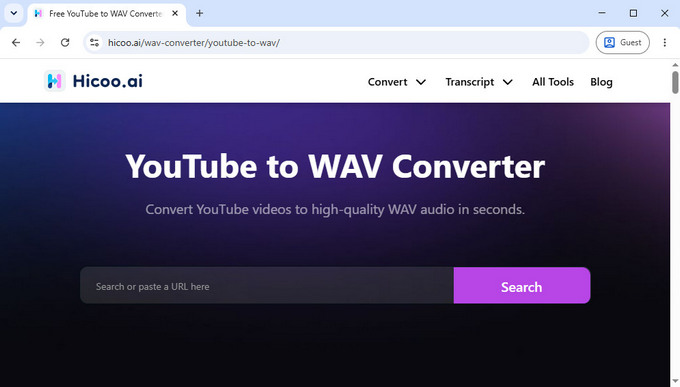
When you need to convert a YouTube video into WAV, the main goal is usually simple: extract audio from a link and save it in a format suitable for editing or offline use.
Hicoo YouTube to WAV Converter is designed for this workflow. You paste a YouTube link into the tool, select WAV as the output format, and start the conversion.
It also supports platforms like SoundCloud, Mixcloud, Audiomack, and Instagram, allowing you to convert online media sources using the same workflow across different sites.
Best WAV Converter for Everyday Use
Beyond YouTube conversion, most WAV conversions actually come from local audio files. This is where differences between tools become more noticeable in speed, stability, and output behavior.
We tested all tools using the same file: a 48.6MB MP3 converted into WAV. The focus was on conversion speed, output consistency, and how reliably each tool handled processing without interruptions.
WAV Converter Performance Comparison (48.6MB MP3 -> WAV Test)
| Tool | Speed | Output Size | Bitrate | Value Point |
|---|---|---|---|---|
| Hicoo WAV Converter Online | 12s | 591MB | 1411kbps | Reliable full-quality WAV conversion |
| Convertio | 12s | 591MB | 1411kbps | Good for batch uploads up to 1GB |
| online-audio-converter | 5s | 591MB | 1411kbps | Fastest conversion, but ad-heavy |
| Audio.com Converter | 10s | 295MB | 705kbps | Lower-quality output, limited daily use |
| Hicoo Premium Converter | 5s | 591MB | 1411kbps | Best stability for large-scale tasks |
Hicoo Free WAV Converter Online - Best for Private Audio Files
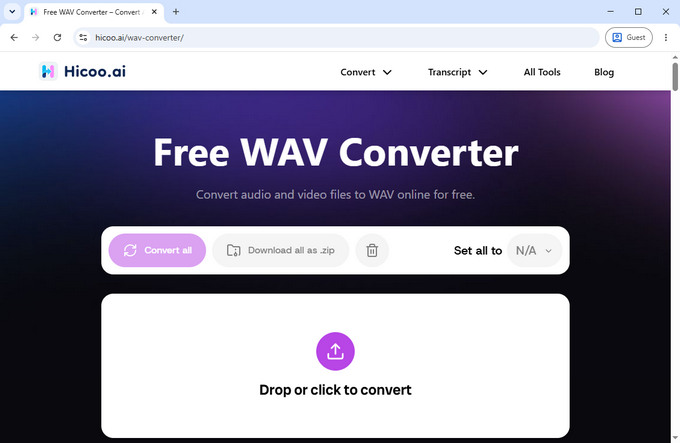
In our testing, Hicoo Free WAV Converter Online delivered one of the smoothest user experiences. There were no ads and no sign-up prompts, and the entire process from uploading the file to downloading the WAV output felt simple and uninterrupted.
A key reason for this is local processing. Your files are converted directly in your browser instead of being uploaded to external servers, which makes it a better option for personal recordings, downloaded music, or any audio files you prefer to keep on your device.
The converter supports common audio formats including MP3, FLAC, AAC, OGG, and M4A, making it suitable for everyday WAV conversion without extra setup.
Best for: private audio files and ad-free WAV conversion without uploading data.
Convertio - Best for Large WAV File Conversion
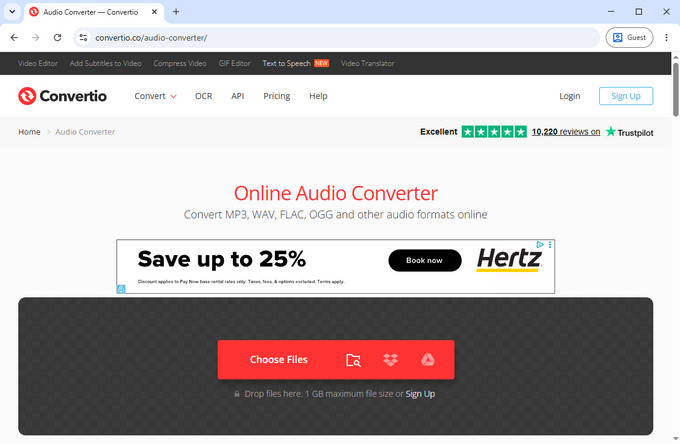
In our testing, Convertio produced consistent WAV output but required file uploads before processing, which adds extra waiting time compared to local tools.
Convertio supports audio files up to 1GB on the free plan and allows up to 10 files in batch conversion, making it suitable for handling multiple files in one session. It also includes basic editing options such as trimming, codec selection, channel adjustment, and volume control.
Because processing happens on remote servers, performance depends partly on upload speed. Converted files are stored for 24 hours for re-download. The interface also includes light ads.
Best for: batch WAV conversion when upload-based processing is acceptable.
online-audio-converter.com - Fast WAV Conversion & Audio Control
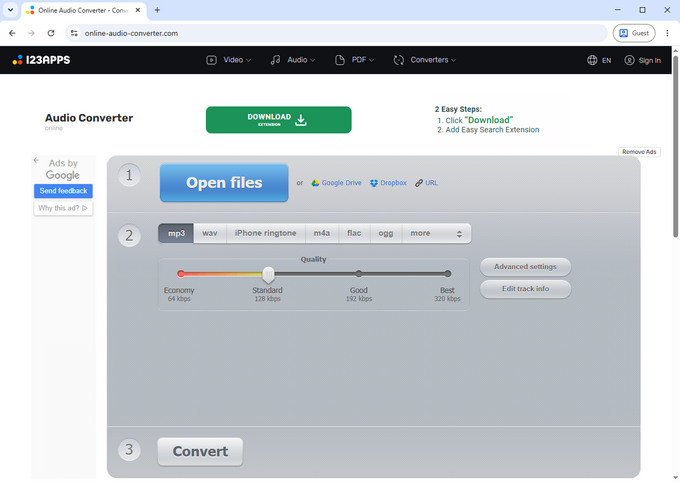
In our testing, online-audio-converter.com was the fastest online WAV converter. It also offers more control over output settings than most browser tools.
online-audio-converter.com lets you adjust sample rates (20kHz, 44.1kHz, 48kHz, 96kHz), change channels, and apply fade-in or fade-out effects before exporting WAV files.
However, the interface contains multiple ads, and pop-ups can occasionally interrupt the workflow.
Best for: fast WAV conversion with advanced audio settings.
Audio.com Converter - Best for Quick One-Off WAV Conversion
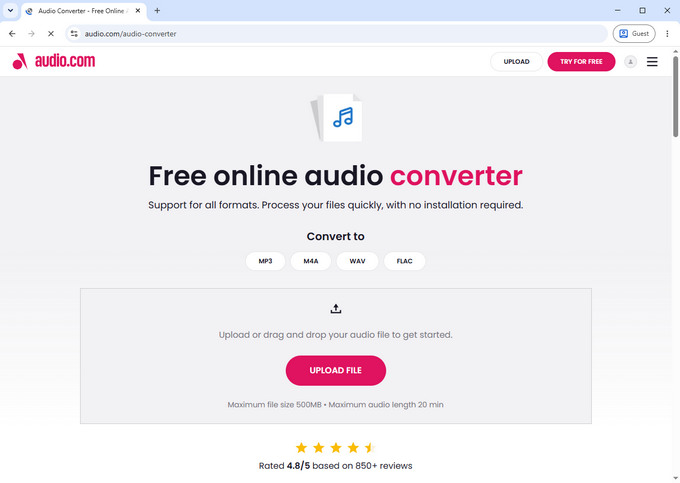
In our testing, Audio.com Converter was simple and easy to use, with no unnecessary steps in the conversion process.
Audio.com Converter supports basic audio settings such as bit depth, sample rate, channels, and volume adjustment. However, the output WAV file uses a lower bitrate compared to other tools.
The free plan allows around three conversions per day, making it more suitable for occasional use.
Best for: quick WAV conversion when you only need to process a few files.
Hicoo Premium Converter - Best for Large Files & Batch WAV Conversion
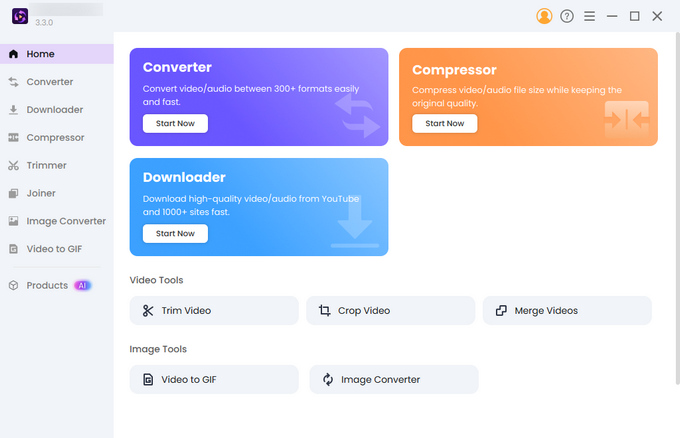
In our testing, Hicoo Premium Converter delivered the fastest and most stable performance, especially when handling large files or repeated WAV conversion tasks.
Since everything runs locally on your device, there are no upload delays and no browser limitations. This makes a noticeable difference when processing large files or running multiple conversions in a row.
The desktop software supports files up to 3GB and lets you convert up to 30 files in a batch, making it well suited for podcast libraries, music collections, interviews, or other large audio projects. It also includes built-in tools for trimming, merging, compression, and output settings such as codec, sample rate, and audio channels.
Best for: batch converting up to 30 files, large audio files, and long-term WAV conversion workflows.
Conclusion
If you need a quick way to convert audio files into WAV, Hicoo Free WAV Converter Online works well for everyday use without uploads or ads.
If you're converting files from online sources such as YouTube or SoundCloud, Hicoo YouTube to WAV Converter is the most direct option for extracting audio from links.
For heavier workloads, Hicoo Premium Converter provides the most stable experience thanks to local processing, especially when handling repeated or large-scale WAV conversions.
The choice comes down to whether you prioritize file source, processing scale, or workflow frequency.
Frequently Asked Questions
1. What is a WAV converter?
A WAV converter is a tool that converts audio or video files into WAV format. WAV is an uncompressed format commonly used in editing, production, and archiving workflows.
2. Can you convert YouTube videos to WAV?
Yes, if the tool supports URL input. These tools extract audio directly from platforms like YouTube or SoundCloud. Always make sure you only convert content you have the right to use.
3. Is WAV better than MP3?
WAV preserves full audio data without compression, making it better for editing and production. MP3 reduces file size by removing audio information for storage efficiency.
4. Why are WAV files so large?
WAV is uncompressed, so it stores raw audio data instead of compressed signals. This results in larger file sizes but higher fidelity and better editing flexibility.
5. Do different WAV converters produce different quality?
Yes. Although WAV itself is uncompressed, differences come from sample rate, bitrate settings, and how each tool processes the audio during conversion.
6. Is it safe to use online WAV converters?
It depends on the tool. Some browser-based converters process files locally without uploading them, while cloud-based tools require file uploads. For sensitive audio, choose tools that clearly explain how files are handled.