An MP4 converter becomes essential when your videos simply do not work as expected. Most of the time, you do not think about file formats until a clip will not play on your phone, a file is too large to upload, or a download comes in a format you did not expect. That is exactly when converting to MP4 becomes the easiest fix.
MP4 works reliably across devices and platforms, which is why it has become the standard for video playback and sharing. In this guide, we will walk through how to convert different types of content to MP4, including YouTube videos, online links, and local files, along with tools that perform well in real use.
Table of Contents
How to Convert YouTube Videos to MP4
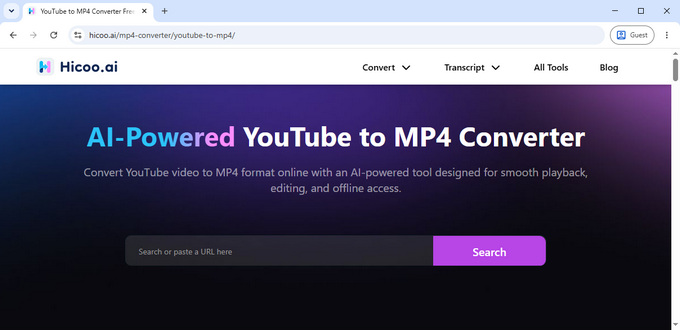
When converting YouTube videos to MP4, the process usually involves extracting the video stream and saving it in a format that can be played offline. In practice, what matters most is stability and speed, especially for longer or high-resolution videos.
The Hicoo YouTube to MP4 converter fits naturally into this use case. The experience is straightforward: paste a video link, and the file is processed without ads or interruptions. The overall flow feels smooth, without the redirects or popups that are common in many similar tools.
Because of that, it works well for users who want a reliable and free YouTube to MP4 converter without dealing with extra steps or distractions.
It is also worth keeping in mind that platform policies apply, and some copyrighted content may not be available for conversion.
How to Convert URL to MP4
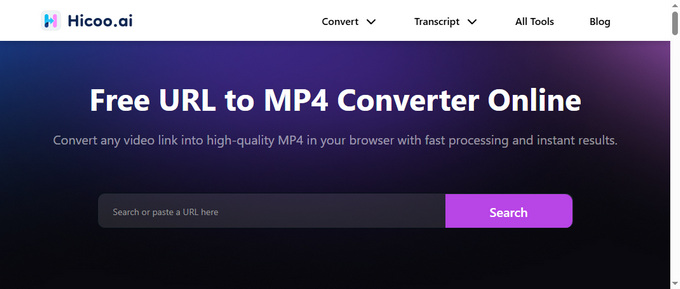
Not all videos come from YouTube. In many cases, you might be dealing with embedded players, social media clips, or videos hosted on less obvious platforms. That is where URL-based conversion becomes useful.
The Hicoo URL to MP4 converter is designed to handle these cases by pulling video content directly from a link. Tools in this category typically support a wide range of websites, and in this case, coverage of over 200 platforms, including TikTok, Facebook, and Instagram, makes it flexible enough for most situations.
The main advantage here is convenience. You do not need to figure out where the video is hosted or how to get it yourself. If you have a link, you can usually convert it. For users looking for a simple way to turn a link into an MP4 file, this approach is often the most practical.
How to Convert Video to MP4
When working with local files, the situation is a bit different. Instead of downloading, you are converting formats. This often comes up when dealing with videos recorded on different devices or exported from editing software.
In these cases, a good MP4 converter should handle multiple formats smoothly, including common video and audio formats like MOV, MKV, AVI, WebM, and MP3, while balancing speed, quality, and ease of use.
Hicoo MP4 Converter Online (Best for Simple and Clean Conversion)
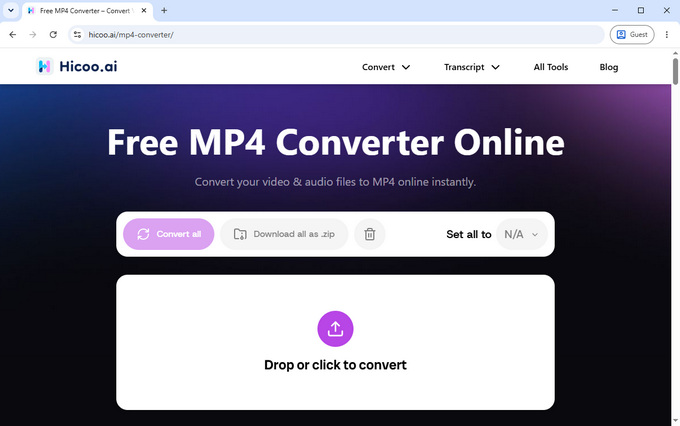
Hicoo's online MP4 converter focuses on reducing friction in the conversion process. Instead of requiring users to adjust technical settings, it uses AI to handle decisions like encoding and quality automatically. This makes the experience feel closer to a simple upload-and-convert workflow.
Another notable detail is that processing happens locally in the browser, which helps with privacy and avoids the need to upload files to external servers. In everyday use, this also contributes to a more responsive feel when converting small to medium-sized files.
Batch processing is available for up to three files at a time, which is enough for casual use. Combined with the absence of ads, the overall experience is clean and predictable. This makes it a strong choice for users who want a straightforward video to MP4 converter without needing to fine-tune settings.
Convertio (Best for Balanced Control and Flexibility)
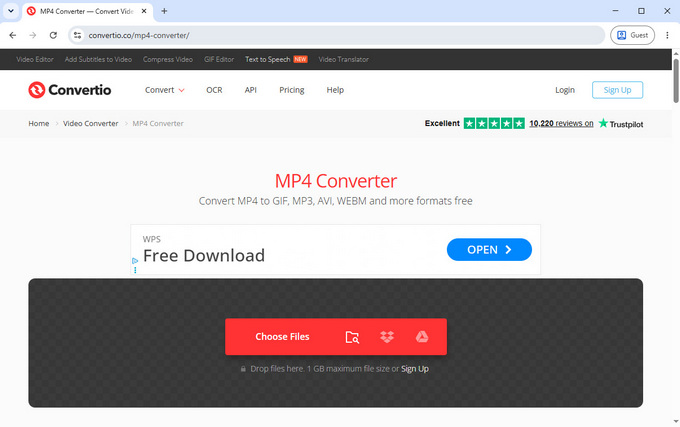
Convertio MP4 video converter sits somewhere between simplicity and customization. It supports a wide range of formats and gives users access to detailed settings such as codec selection, resolution adjustments, frame rate, and audio configuration.
In practical testing, converting a 13.9MB video took around 13 seconds, which reflects a good balance between speed and processing depth. The interface is relatively easy to navigate considering the number of available options.
This makes it suitable for users who want more control over how their video is converted, while still keeping the convenience of an online tool.
FreeConvert (Best for Feature-Rich Free Usage)
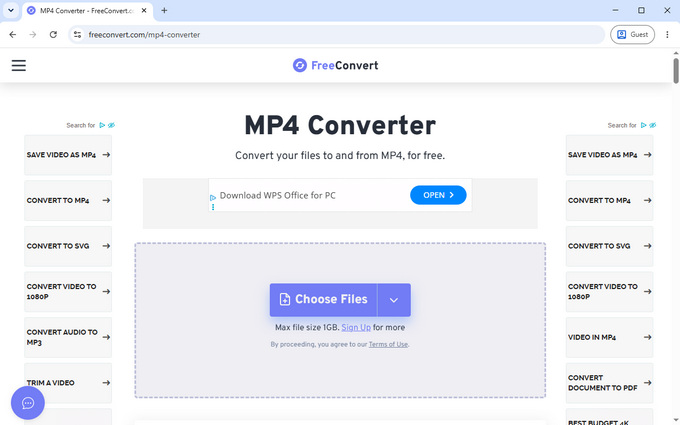
FreeConvert leans more toward flexibility and feature depth. It includes a wide set of editing and conversion options, such as trimming, cropping, subtitle handling, and detailed codec adjustments.
The trade-off comes in the form of limitations. The free plan allows up to 10 conversions per day and includes ads, which can slightly interrupt the workflow. In testing, converting a 13.9MB file took about 22 seconds, which is slower than some alternatives but still reasonable for occasional use.
For users who want a free MP4 converter with editing capabilities, it offers more tools than most competitors, as long as the usage limits are acceptable.
CloudConvert (Best for Advanced Users and Performance)
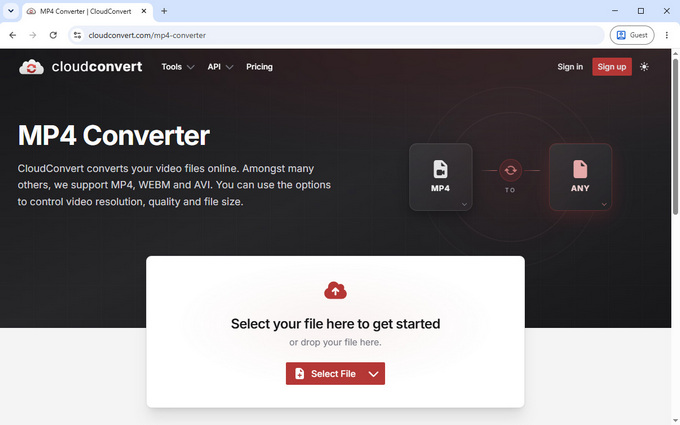
CloudConvert is more aligned with professional or technical use cases. It provides advanced control over video encoding, including parameters like CRF, bitrate, resolution, and aspect ratio. These options allow for precise adjustments when optimizing for quality or file size.
Speed is one of its stronger points. The same 13.9MB test file was processed in around 10 seconds, making it one of the faster tools in this group.
Because of its depth, it may feel slightly complex for beginners. However, for users who need reliable performance and detailed control, it stands out as a capable online MP4 converter.
Hicoo Premium Converter (Best for Large Files and Heavy Workflows)
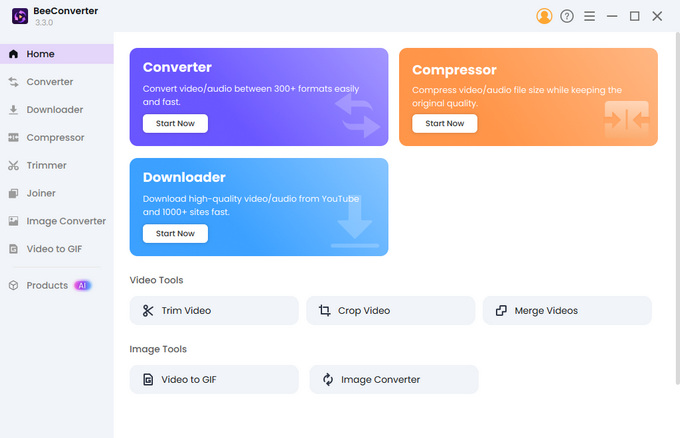
For larger files or more demanding tasks, a desktop solution becomes more practical. Hicoo's Premium Converter is designed for this scenario, supporting files up to 3GB and allowing batch processing of up to 30 files at once.
Since everything runs locally, there are no upload limits or network-related slowdowns. It also includes a broader set of editing features, such as trimming, merging, compression, and format optimization for different devices.
The addition of AI-based enhancements helps maintain a balance between video quality and file size. With support for over 200 formats, it is well-suited for users who regularly handle video conversion as part of their workflow.
MP4 Converter Tools Comparison
| Tool | Best For | Key Strength | Limitations |
|---|---|---|---|
| Hicoo Online | Simplicity | Clean, AI-driven, no ads | Limited batch |
| Convertio | Flexibility | Balanced settings | Cloud limits |
| FreeConvert | Free features | Editing tools | Ads, daily cap |
| CloudConvert | Advanced use | Speed and control | More complex |
| Hicoo Desktop | Heavy tasks | Large files, batch | Requires install |
FAQs
1. What is an MP4 converter?
An MP4 converter is a tool that converts videos from different formats into MP4 so they can be played or shared more easily.
2. How to convert video to MP4 for free?
You can use an online MP4 converter by uploading your file, selecting MP4 as the output format, and downloading the result. For a smoother experience, tools that do not require sign-ups or ads tend to be more convenient.
3. Can I convert YouTube videos to MP4?
Yes, you can convert YouTube videos to MP4 by using a tool that processes the video directly from its link. Simply paste the URL, and the converter will handle the rest.
4. What types of files can be converted to MP4?
Most common video formats can be converted, especially files generated by cameras, screen recordings, or editing software.
5. Is it safe to use a free online MP4 converter?
It depends on how the tool processes your files. Some online converters upload videos to external servers, which can raise privacy concerns. If you want a safer option, look for tools that process files locally in your browser, so your videos never leave your device.
6. Will converting a video to MP4 lose quality?
Not necessarily. Video quality depends on the conversion settings and encoding method. With proper settings or tools that optimize quality automatically, you can convert videos to MP4 with little to no noticeable loss.
7. Why do some online video converters fail with large files?
Many free online converters have file size limits due to server bandwidth and browser performance constraints. Larger files may fail to upload or process properly. For longer videos or batch conversions, using a desktop MP4 converter is often more reliable.
Conclusion
Converting to MP4 is usually less about the format itself and more about making videos easier to use. Whether you are downloading a clip, saving content from a website, or reformatting a file, the right tool depends on how much control you need and how often you do it.
For quick tasks, a simple online MP4 converter is often enough. For larger files or more complex workflows, a desktop solution makes more sense.