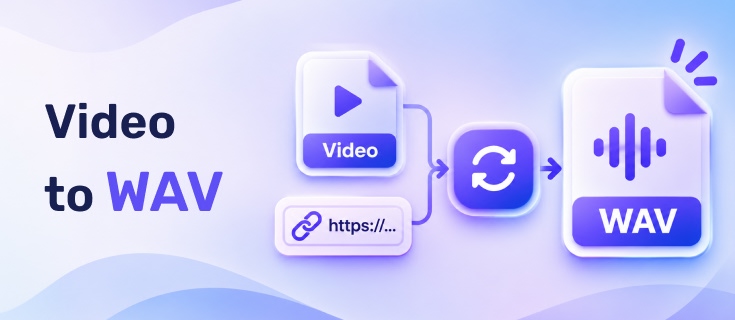
Need to extract audio from a video and save it as a WAV file? You may want to extract audio from a video stored on your device or convert a YouTube video using its URL. Both are possible with online video to WAV converters, but their input methods, processing speeds, and output options can vary.
We tested six free online tools, including YouTube to WAV converters and converters for local video files. This guide compares their conversion times, WAV output specifications, batch features, and limitations to help you choose the right tool.
Table of Contents
Part 1. Quick Comparison of the Best Video to WAV Converters
| Tool | Input | Processing Method | Notable Features | Best For |
|---|---|---|---|---|
| Hicoo YouTube to WAV | YouTube URLs and other supported sites | URL-based conversion | Playlists, Shorts, video preview, keyword search | Converting videos from multiple platforms |
| Tadio | YouTube URLs | URL-based conversion | Playlists, Shorts, video preview, keyword search | YouTube playlist conversion |
| YTToWAV | YouTube URLs | URL-based conversion | Custom WAV settings, audio trimming | Custom WAV output settings |
| Hicoo Video to WAV | Local video files | Browser-based processing | Batch conversion, MP3 and WAV output | Fast, simple conversion |
| Tunobox | Local video files | Browser-based processing | Batch conversion, preview, trimming | Batch conversion and audio trimming |
| FreeConvert | MP4 files | Server-side processing | Codec, volume, fade, reverse, and trim controls | Additional audio adjustments |
Part 2. Best YouTube to WAV Converters
These tools let you convert a YouTube video to WAV by pasting its URL instead of uploading a video file. They are useful when the video is online and you only need its audio track.
Hicoo: Best for Converting Videos from Multiple Platforms
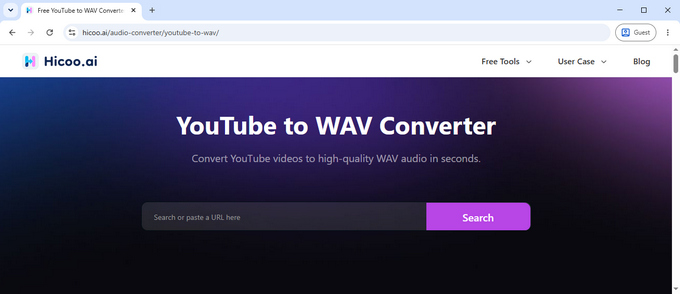
Hicoo is a versatile option if you need more than a basic YouTube to WAV converter online. It supports over 100 websites, including YouTube, TikTok, Facebook, Bilibili, and Niconico. You can paste a video URL, search for content by keyword, or preview a video before converting it.
In our test, Hicoo converted a 7-minute-and-13-second YouTube video to WAV in under five minutes. It also supports regular videos, YouTube Shorts, and playlist URLs, giving it more input flexibility than a single-purpose converter.
Key features:
• Converts videos from over 100 supported websites.
• Supports regular YouTube videos, Shorts, and playlist URLs.
• Offers MP3, M4A, WAV, and MP4 output options.
• Includes keyword search and video preview.
• Free to use without registration or ads.
Limitation: The tested conversion took under five minutes, which was slower than Tadio and YTToWAV for the same video. If speed is your main priority, the other two options may be worth considering.
Tadio: Best for Fast YouTube to WAV Conversion
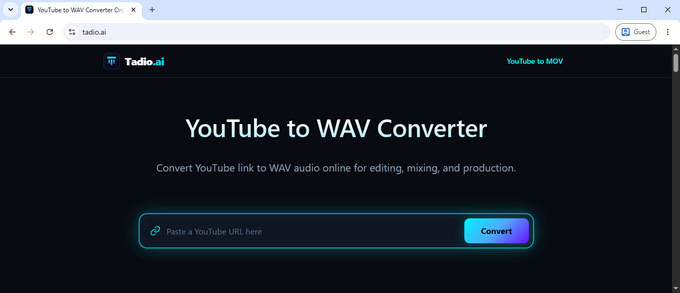
Tadio offers a straightforward way to convert YouTube URLs to WAV. Paste a link, check the video preview, and start the conversion without creating an account. It also supports keyword searches, playlist URLs, and Shorts.
We tested it with the same 7-minute-and-13-second video used for Hicoo. The WAV file was ready in under three minutes, making Tadio one of the faster options in this particular test.
Key features:
• Converts YouTube videos to WAV by URL.
• Supports regular videos, Shorts, and playlist URLs.
• Provides keyword search and video preview.
• Offers an Original quality option for WAV output.
• Free to use without registration or ads.
Limitation: Tadio focuses on original-quality downloads rather than offering several selectable WAV specifications. If you want to choose a specific bit depth or sample rate, YTToWAV provides more control.
YTToWAV: Best for Custom WAV Output Settings
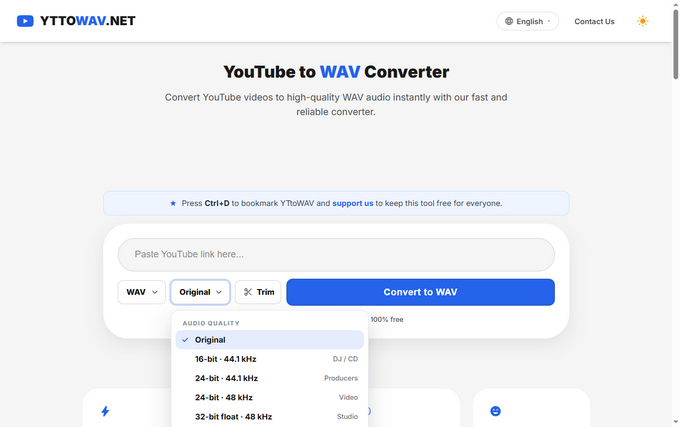
YTToWAV is a more specialized YouTube to WAV converter. Its main advantage is the ability to select different output specifications instead of relying on one fixed WAV setting. This can be useful when preparing audio for different editing or production workflows.
Its available options include:
| WAV Setting | Intended Use |
|---|---|
| Original | Keep the converter's original output setting |
| 16-bit / 44.1 kHz | DJ and CD workflows |
| 24-bit / 44.1 kHz | Music production |
| 24-bit / 48 kHz | Video workflows |
| 32-bit float / 48 kHz | Studio editing |
We tested YTToWAV with the same 7-minute-and-13-second YouTube video. Conversion took under three minutes. We also checked the downloaded WAV files with MediaInfo and found that the detected output specifications matched the selected settings.
Key features:
• Offers several WAV bit-depth and sample-rate options.
• Includes an audio trimming feature.
• Supports direct YouTube URL conversion.
• Provides MP3 as an alternative output format.
• Free to use without registration.
Limitation: YTToWAV does not support converting an entire YouTube playlist through a playlist URL. You need to process individual videos instead.
One important point: selecting a higher bit depth or sample rate does not restore audio details already lost through YouTube's compression. These settings determine the output file format, not the quality of the original source.
Part 3. Best Video to WAV Converters for Local Files
If you already have a video file on your computer, you do not need a YouTube URL converter. The following tools accept local video files and extract their audio as WAV.
Hicoo Video to WAV: Best for Fast, Simple Conversion
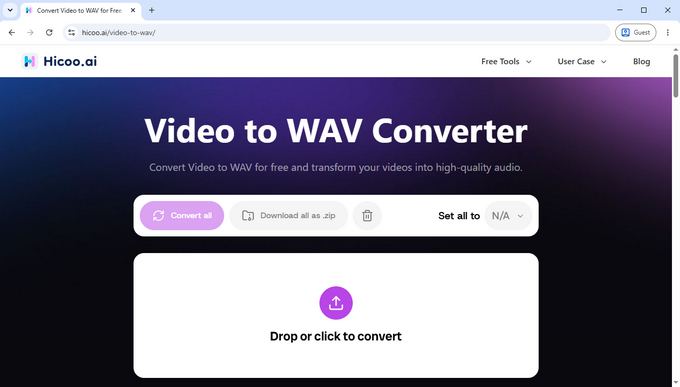
Hicoo Video to WAV is an online tool for extracting audio from local video files. It processes files directly in your browser, so you can convert videos to WAV without uploading them to a remote server or installing desktop software.
In our test, we used a 54 MB video file, and the conversion finished in approximately three seconds. The tool also supports MP3 output and batch conversion of up to three files.
Key features:
• Converts local video files to WAV or MP3.
• Processes files locally in the browser.
• Supports batch conversion of up to three files.
• Requires no account or registration.
• Free to use without ads.
WAV output test: Produced a 16-bit, 44.1 kHz stereo PCM WAV file in our test.
Limitation: The tool offers format selection but does not provide additional WAV controls such as bit depth, sample rate, or audio trimming.
Tunobox: Best for Batch Conversion and Audio Trimming
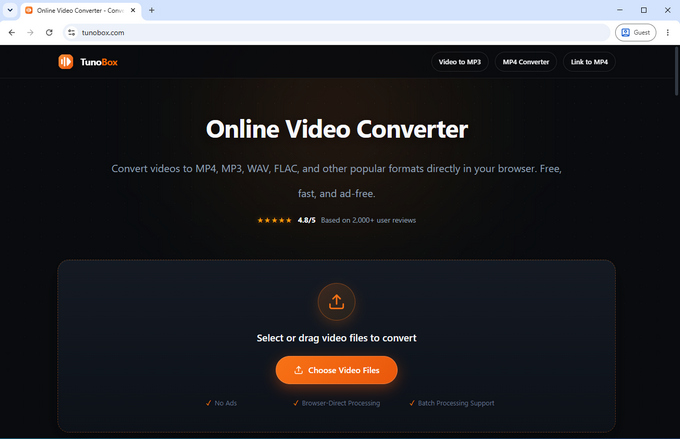
Tunobox is another browser-based option for converting local videos to WAV. It combines format conversion with a few practical controls, making it useful when you need to process several clips or remove unwanted sections before downloading.
In our test, Tunobox converted the same 54 MB video file in approximately three seconds. After conversion, you can preview the audio before downloading it. It also supports trimming and batch processing of up to five files at a time.
Key features:
• Converts local video files to WAV and other formats.
• Processes files directly in the browser.
• Supports up to five files per batch.
• Lets you preview the converted audio.
• Includes an audio trimming option.
WAV output test: Produced a 16-bit, 44.1 kHz stereo PCM WAV file in our test.
Limitation: WAV output does not have separate quality controls. Although you can adjust the quality of MP3 output, you cannot customize the WAV sample rate or bit depth.
FreeConvert: Best for Additional Audio Adjustments
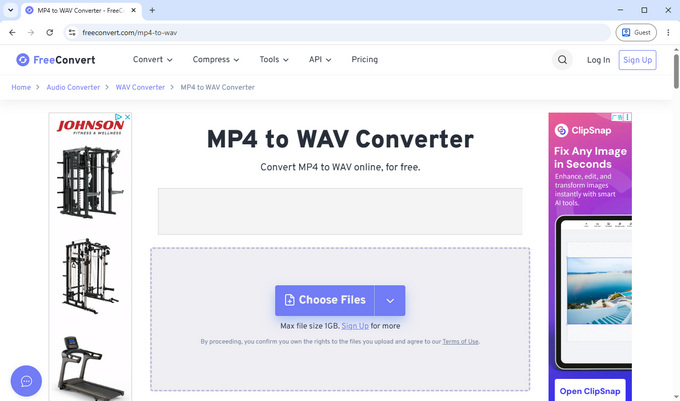
FreeConvert is a server-based video to WAV converter with more audio adjustment options than the two browser-based tools above. Besides extracting audio, it lets you modify settings such as the audio codec and volume, apply fade-in and fade-out effects, and reverse the audio.
We tested its MP4 to WAV converter using the same 54 MB video file. The conversion took approximately 19 seconds. Unlike Hicoo and Tunobox, FreeConvert uploads the file for server-side processing, so the total time may also depend on your upload and download connection.
Key features:
• Converts MP4 videos to WAV.
• Supports audio codec and volume adjustments.
• Includes fade-in, fade-out, and reverse effects.
• Supports trimming.
• Allows up to five files per batch on the free plan.
WAV output test: Produced a 16-bit, 44.1 kHz stereo PCM WAV file in our test.
Limitations: The free plan provides 20 conversion minutes per day. Converted files are automatically deleted after eight hours, according to FreeConvert's stated policy. The website also displays ads.
Part 4. How We Tested These Video to WAV Converters
We tested the six tools in two groups because they use different input methods. YouTube converters process URLs, while local file converters extract audio from videos stored on a device.
YouTube URL Conversion Test
For the first three tools, we used the same 7-minute-and-13-second YouTube video and recorded how long each took to produce a WAV file.
| Converter | Conversion Time | Additional Checks |
|---|---|---|
| Hicoo | Under 5 minutes | Playlist, Shorts, preview, keyword search |
| Tadio | Under 3 minutes | Playlist, Shorts, preview, keyword search |
| YTToWAV | Under 3 minutes | WAV output settings and trimming |
We also checked the available WAV output options. For YTToWAV, we downloaded files using different quality settings and used MediaInfo to verify that the detected specifications matched the selected options.
Local Video Conversion Test
For the other three tools, we used the same 54 MB video file and measured the conversion time.
| Converter | Conversion Time | Processing Method |
|---|---|---|
| Hicoo | About 3 seconds | Browser-based |
| Tunobox | About 3 seconds | Browser-based |
| FreeConvert | About 19 seconds | Server-side |
We also inspected the downloaded WAV files with MediaInfo. All three produced WAV files with the same audio specifications:
- Audio codec: PCM (Little / Signed)
- Bit rate: 1,411.2 kb/s
- Sample rate: 44.1 kHz
- Bit depth: 16 bits
- Channels: 2 (Stereo)
These results show that all three tools produced standard stereo PCM WAV files in our test. They do not establish that one file sounds better than another.
Conversion times are based on our individual tests, not repeated benchmark averages. Browser-based and server-side processing also involve different workflows, so the results should not be treated as a direct speed ranking.
Frequently Asked Questions
1. How can I convert a video to WAV online for free?
Use Hicoo Video to WAV for local files or Hicoo YouTube to WAV for online videos. Select or paste your video, choose WAV as the output format, and start the conversion. Both tools are free and require no registration.
2. Can I convert YouTube playlists to WAV?
Yes. Hicoo YouTube to WAV supports playlist URLs, so you can convert videos from a playlist without entering each video link separately.
3. Is Hicoo Video to WAV safe to use?
Hicoo Video to WAV processes files directly in your browser. Your video files are not uploaded to a remote server, and you don't need to install software or create an account.
4. Does converting a video to WAV improve sound quality?
No. WAV preserves the audio data produced during conversion, but it cannot restore details lost in the original compressed audio. A larger WAV file does not necessarily sound better.
5. What is the best WAV setting for video conversion?
For general use, 16-bit / 44.1 kHz stereo PCM is a standard WAV format. If you need a specific sample rate or bit depth, choose a converter that offers custom WAV settings, such as YTToWAV.