Finding a good URL to MP3 converter can be harder than it looks. Many free converters come with unnecessary steps, account requirements, or limited control over audio quality. Some tools only support standard YouTube videos, while others may not work with playlists, social media links, or platforms like SoundCloud.
A good URL to MP3 converter should provide reliable conversion, support the links you actually use, and give you enough control over output quality. In this guide, we compare popular link to MP3 converters based on hands-on testing to help you find a converter that matches your workflow.
Table of Contents
URL to MP3 Converter Comparison Table
We tested these URL to MP3 converters with different types of links, including YouTube videos, Shorts, playlists, channel URLs, TikTok, Instagram, and SoundCloud links. We evaluated each tool based on compatibility, conversion stability, speed, audio quality options, and overall user experience.
| Tool | Best For | Supported URLs | Audio Quality | Main Advantage |
|---|---|---|---|---|
| Hicoo | Everyday URL conversion | 200+ sites | Up to 320kbps | Stable conversion across multiple platforms |
| AnyMusic | Heavy URL users | 1,000+ websites | Up to 320kbps | Batch conversion and faster workflow |
| AceKits | Short video conversion | 100+ sites | Up to 320kbps | Clean and ad-free experience |
| MP3Cow | Quick YouTube conversion | YouTube videos | Basic options | Fast and simple workflow |
| FreeMP3Music | Audio quality control | YouTube videos | Up to 320kbps | More MP3 quality options |
| AudioCleaner | Ad-free conversion | YouTube videos only | Limited | Clean interface without ads |
Best Link to MP3 Converters We Tested
Hicoo URL to MP3 Converter - A Reliable Choice for Everyday URL Conversion
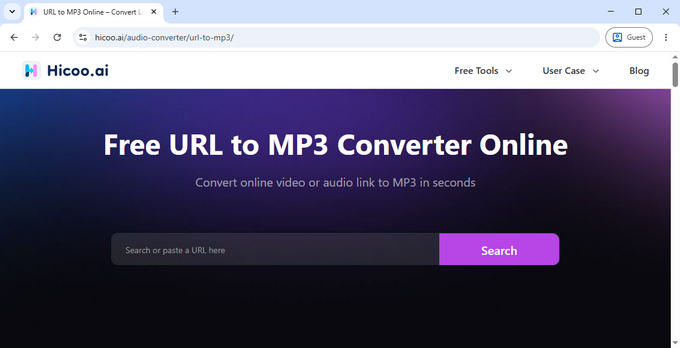
Hicoo URL to MP3 Converter stands out for its stable conversion experience and consistent performance. The service is regularly updated to maintain compatibility with changing online platforms. During our testing, it delivered consistent performance, making it a reliable choice for users who need regular URL to MP3 conversions.
Unlike many converters that focus mainly on YouTube, Hicoo supports a wider range of URL sources, including videos, Shorts, playlists, and URLs from multiple platforms. The workflow is simple: paste a URL, choose the output format and quality, preview the content if needed, and start the conversion.
The overall experience is clean and practical. There are no distracting ads or unnecessary steps, and the preview feature is useful when converting playlists or similar content. Hicoo also supports MP3 output up to 320kbps, giving users more flexibility between smaller files and higher-quality audio.
Best for:
Users who need a reliable everyday URL to MP3 converter for different types of online content.
Key features:
• Supports 200+ websites and different URL sources
• MP3 output from 128kbps to 320kbps
• Supports M4A audio and video output up to 1080p
• Preview before conversion
• No account required
• No ads
AnyMusic URL Converter - Built for Heavy URL Users
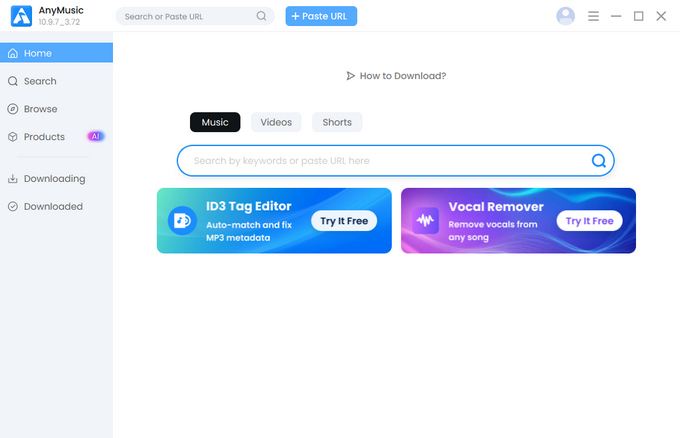
AnyMusic is a desktop URL converter built for users who regularly handle multiple links. While online link to MP3 converters are convenient for occasional use, AnyMusic is designed for larger conversion tasks where batch processing and speed matter.
During testing, the biggest advantage was its workflow efficiency. Users can add up to 30 URLs at once, making it more practical for playlists, multiple videos, and larger collections. It also supports more than 1,000 websites, giving users more flexibility when working with content from different platforms.
AnyMusic also focuses on output quality and faster processing. It supports MP3 output up to 320kbps and provides up to 5X conversion speed, which helps reduce waiting time when converting multiple video links to MP3. Because it runs as software, AnyMusic is better suited for users who need a dedicated workflow for frequent conversions.
Best for:
Users who frequently convert multiple URLs and need batch processing, higher-quality audio options, and faster workflows.
Key features:
• Desktop software for Windows, Mac, and Android
• Supports 1,000+ websites
• Batch conversion for up to 30 URLs
• Playlist support
• MP3 quality up to 320kbps
• Up to 5X conversion speed
• Video output up to 4K
AceKits URL to MP3 Tool - A Clean Choice for Short Videos
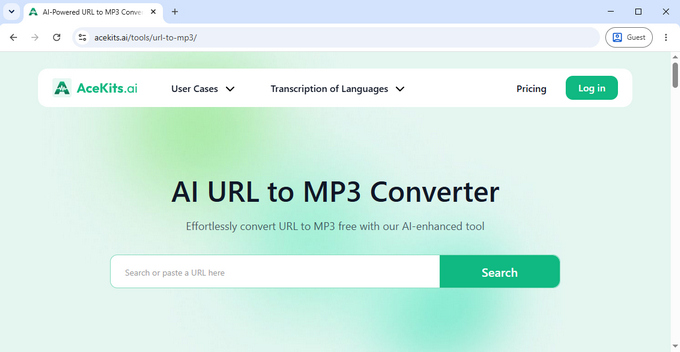
AceKits focuses on a simple and distraction-free URL to MP3 experience. During testing, it handled multiple URL sources smoothly and provided a clean workflow without pop-ups, confusing buttons, or unnecessary steps.
Its main advantage is simplicity. The tool works well for users who mainly convert short videos, such as YouTube Shorts and social media content, and want to complete the process quickly without dealing with ads or complicated settings.
The main limitation is the 10-minute limit on the online version. This is usually enough for short clips and most social media videos, but users converting longer content may need a different tool.
Best for:
Users who mainly convert short videos and want a free, clean, ad-free URL to MP3 converter.
Key features:
• Supports 100+ URL sources
• No ads
• MP3 quality options up to 320kbps
• Preview before conversion
• Simple browser-based workflow
MP3Cow - Fast YouTube URL Conversion
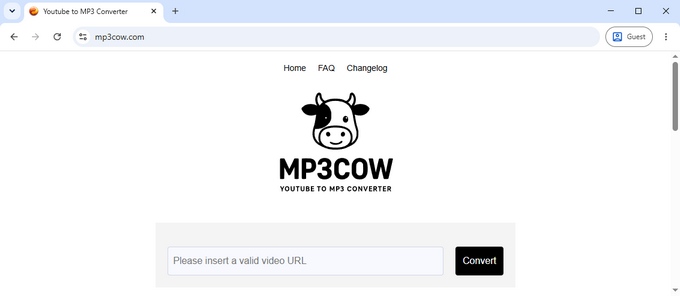
MP3Cow is designed for users who only need a simple way to convert YouTube URLs to MP3. During testing, it had one of the most straightforward workflows: paste a YouTube link, start the conversion, and get the result without extra settings or complicated steps.
The tool is a good fit for occasional YouTube conversions. It provides 10 free conversions per day, which is enough for many everyday users who only convert a few videos from time to time.
The trade-off is that MP3Cow focuses on simplicity rather than flexibility. It works with YouTube videos only and does not support sources such as TikTok, Instagram, SoundCloud, playlists, or channel URLs. It also does not offer audio quality selection, so users who need more flexibility may want to explore MP3Cow alternatives.
Best for:
Users who only convert YouTube videos and want a fast, simple URL to MP3 converter.
Key features:
• Fast YouTube link to MP3 conversion workflow
• 10 free conversions per day
• No account required
FreeMP3Music - More Control Over MP3 Quality
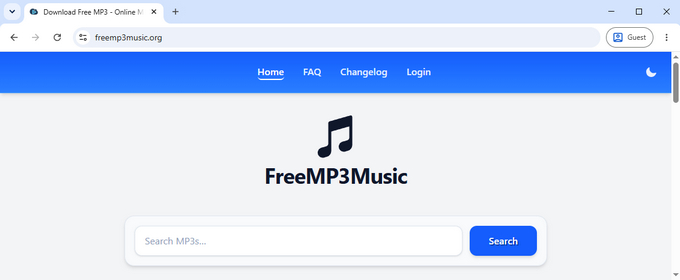
FreeMP3Music is a good option for users who care more about audio quality than just getting a quick conversion. During testing, it provided multiple MP3 bitrate options, including 128kbps, 192kbps, 256kbps, and 320kbps, allowing users to choose between smaller files and higher-bitrate MP3 files.
This makes it a better fit for music listeners who want more control over file size and audio quality, especially those who use headphones or keep personal audio collections.
The trade-off is that some features are limited. For example, YouTube playlist conversion requires a paid option, and the conversion process includes an additional step through another service. Users who prefer a faster, one-step workflow may find other tools more convenient.
Best for:
Music listeners who care about audio quality and want more control over MP3 output.
Key features:
• MP3 quality options from 128kbps to 320kbps
• Supports YouTube conversion
• MP4 output option
• Audio trimming support
AudioCleaner - A Clean and Ad-Free YouTube Converter
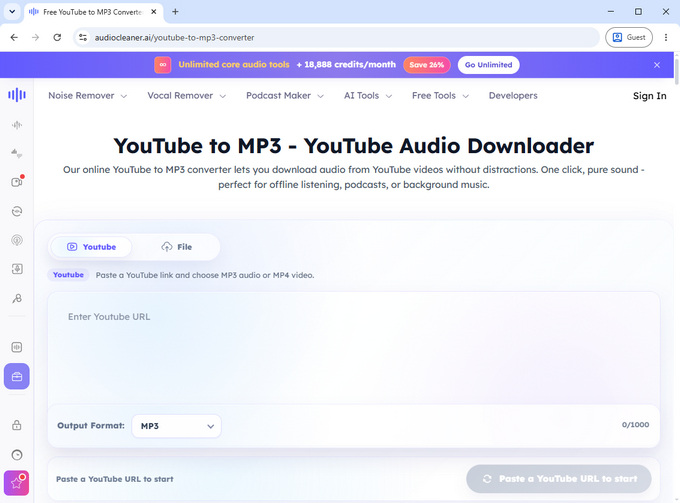
AudioCleaner is mainly known as an online vocal remover tool, but it also offers a simple YouTube link to MP3 conversion feature. During testing, it worked with standard YouTube video URLs, while playlist and channel URLs were not supported.
The main advantage of AudioCleaner is its clean user experience. Unlike many free conversion websites that rely on heavy advertising or confusing buttons, AudioCleaner keeps the interface simple and distraction-free. It is a good choice for users who prefer a straightforward conversion process without unnecessary interruptions.
The trade-off is limited compatibility. AudioCleaner focuses on individual YouTube videos rather than supporting multiple platforms or advanced URL types, so it is better suited for simple conversions.
Best for:
Users who want a clean, ad-free YouTube link to MP3 converter with a simple workflow.
Key features:
• Supports YouTube video URLs
• No ads
• No registration required
• Clean interface
• No visible daily usage limit during testing
What Makes a Good URL to MP3 Converter?
Choosing the right URL to MP3 converter depends on how you plan to use it. Different users may care about platform support, audio quality, conversion reliability, or overall convenience.
Supported URL types matter if you convert content from different platforms. Some tools focus mainly on YouTube videos, while others support more sources such as TikTok, Instagram, and SoundCloud.
Audio quality is another important factor, especially for music listeners. A link to MP3 converter with bitrate selection gives users more control, with options such as 128kbps, 256kbps, or 320kbps depending on their needs.
Conversion reliability matters for regular users. A tool that works consistently and handles different links smoothly can provide a better experience than one that only works occasionally.
A clean interface, no forced registration, and fewer unnecessary steps can make the conversion process smoother and easier.
FAQ
1. Can I convert video URLs from different platforms to MP3?
Yes. Hicoo supports URL to MP3 conversion from 200+ websites, including YouTube, TikTok, Instagram, and SoundCloud, making it a practical choice for converting links from different platforms.
2. Which URL to MP3 converter is best for everyday use?
Hicoo is a practical choice for everyday URL to MP3 conversions, offering stable performance, broad URL support, and flexible audio quality options.
Final Thoughts
Different users need different URL to MP3 converters. Hicoo is a practical choice for everyday use because it offers stable conversion, broad URL support, and flexible audio quality options.
If you regularly process multiple URLs, need batch conversion, or want a faster workflow, AnyMusic provides more advanced features designed for heavier usage.