When you need an MP3 file converter, speed, privacy, and reliability matter more than anything else. Finding a clean, free tool to change local files or a reliable YouTube to MP3 converter should not mean dealing with virus warnings or intrusive ads.
To save you time, we tested the most popular options on the market. We measured real-world processing speeds, batch capabilities, and file safety so you can choose the best MP3 converter for your project and get on with your day.
Table of Contents
Quick Comparison of the Best MP3 Converters
| Tool | Best For | Speed & Limits | Safety Focus | Rating |
|---|---|---|---|---|
| Hicoo YouTube to MP3 | Clean, fast online URL conversion | Fast processing | Ad-free, stable processing | 4.8 / 5.0 |
| Hicoo MP3 Converter Online | Private local file conversions | ~17s for 12.6MB / 3 files batch | 100% Private (No data uploads) | 4.9 / 5.0 |
| Freeconvert Video to MP3 | Audio fine-tuning and effects | ~20s for 12.6MB / 5 files batch | Cloud privacy (8-hour auto-wipe) | 4.5 / 5.0 |
| Online-Convert | Quick browser-based file swaps | ~15s total / Chained formats | Server privacy (Auto-delete logs) | 4.1 / 5.0 |
| Hicoo Premium Converter | Massive folders and heavy gigabyte files | Instant local / 30 files batch | Absolute local disk isolation | 4.7 / 5.0 |
Best YouTube to MP3 Converter (Fast & Free Online)
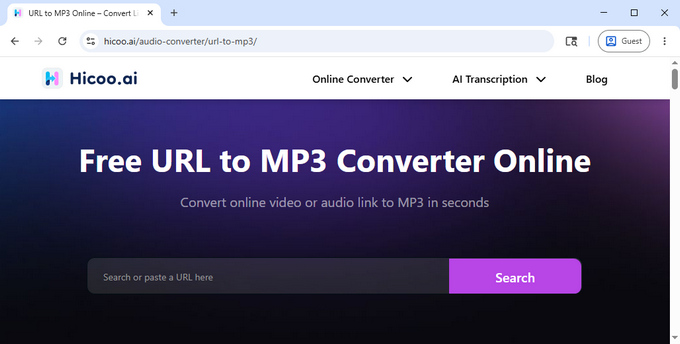
Converting audio from online videos is one of the fastest ways to save music, lectures, or background audio for offline use. However, many older tools rely on aggressive ads, unstable processing, or misleading redirects.
In testing, some tools slowed down during peak hours or introduced extra steps like redirects or captcha checks. Hicoo YouTube to MP3 Converter maintained a more consistent and straightforward workflow across repeated tests, with a simple process that requires only pasting a link and starting the conversion.
Pros:
√ Completely ad-free environment with zero redirects or malicious pop-ups.
√ Fast, stable processing that handles longer videos smoothly.
√ Free to use with no account registration or captcha walls required.
Cons:
× Limited to videos up to 10 minutes in length to maintain stability.
× Limited to basic conversion features without advanced editing options.
Best for: Users who want a simple, clean, and fast way to convert online video content into MP3 without distractions.
Best Video & Audio to MP3 Converters
If your files are already stored locally on your hard drive, choosing the right MP3 converter depends heavily on data privacy, conversion speed, and how much control you want over the output.
Hicoo MP3 Converter Online
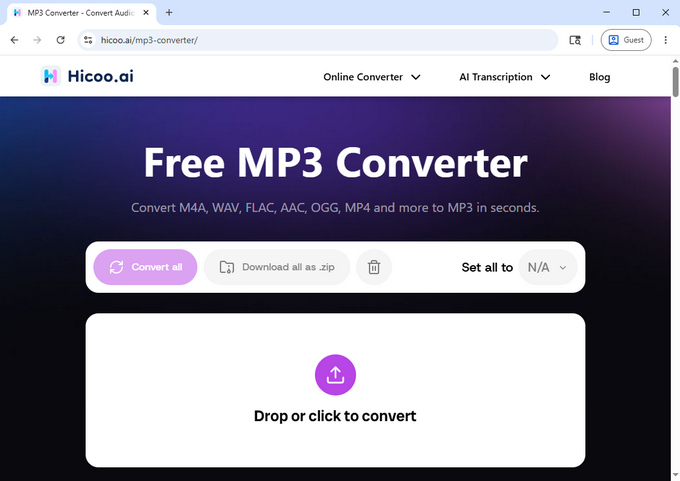
Hicoo MP3 Converter Online runs entirely inside your web browser using client-side processing, which means your files never leave your computer. This local approach completely eliminates waiting around for web uploads and offers maximum privacy.
During our benchmark tests, a standard 12.6MB .m4a file converted into a high-quality MP3 in about 17 seconds. Because the processing happens locally, your conversion speed will not drop even if your internet connection is slow. It seamlessly reads 17 common audio and video formats.
Pros:
√ 100% local processing with zero server file uploads required.
√ Clean interface with no tracking cookies or intrusive advertisements.
√ Supports a wide range of popular video and audio formats.
√ Highly stable performance for daily desktop work.
Cons:
× Batch processing is limited to 3 files at once to maintain browser stability.
× No advanced audio wave editing features included.
Best for: Users who prioritize speed, total privacy, and simplicity when converting local files.
Freeconvert Video to MP3
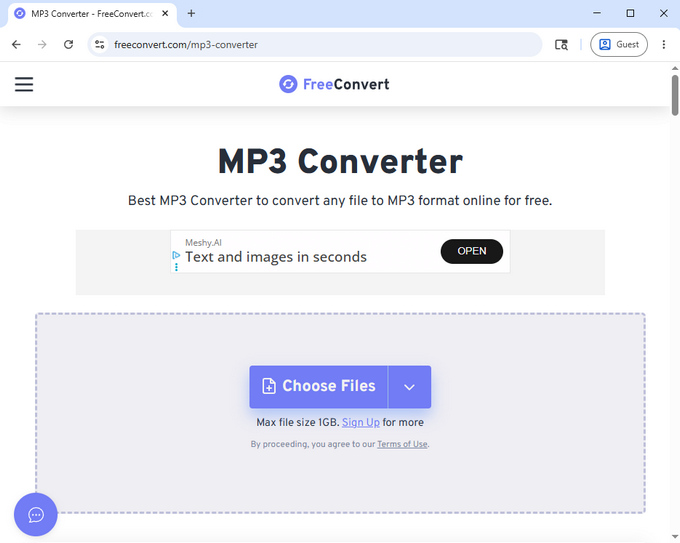
Freeconvert is a widely used cloud-based tool built for users who want flexible control over their final audio settings. It allows you to fine-tune your parameters directly before hitting the convert button.
A 12.6MB M4A file takes roughly 20 seconds to finish processing, which includes the initial upload time to their server. This video to MP3 platform offers solid bulk processing tools alongside basic editing features.
Pros:
√ Supports simultaneous batch conversion for up to 5 files.
√ Built-in advanced adjustments like audio codec selection, volume shifting, trimming, and fade effects.
√ Files are permanently deleted from their cloud servers after 8 hours.
Cons:
× The free plan limits you to 10 file conversions per day.
× The website features banner ads that can slow down weaker browsers.
Best for: Users who want more control over output settings and basic editing features during conversion.
Online-Convert
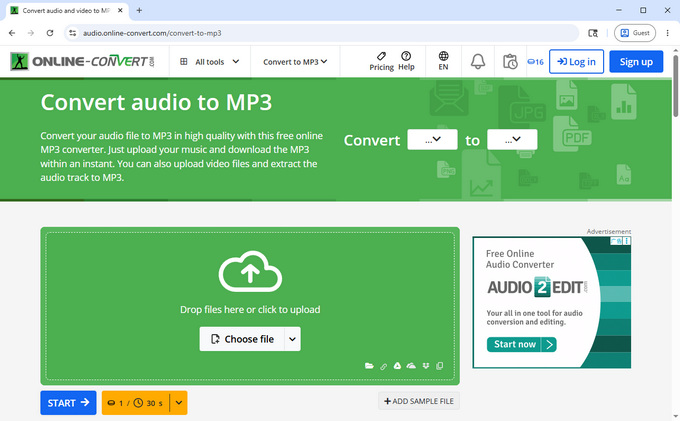
Online-Convert is built for direct browser-based file swaps. Its most practical feature allows you to instantly re-convert an uploaded asset into a secondary format without forcing you to re-upload the original file.
Uploading your file takes a few seconds, followed by about 10 seconds of server processing. While the layout includes plenty of professional fine-tuning options, this free MP3 converter keeps the actual conversion path quick and straightforward.
Pros:
√ Allows multiple chained conversions from a single file upload.
√ Includes technical options like bitrate tuning, sample rate adjustments, and audio normalization.
√ Automatic file deletion keeps your uploaded data secure.
Cons:
× The user interface can feel cluttered and busy for beginners.
× Operates on a strict credit-based system for processing time.
Best for: Users who need advanced control and quick, multi-format file swaps.
Hicoo Premium Converter for Windows & Mac
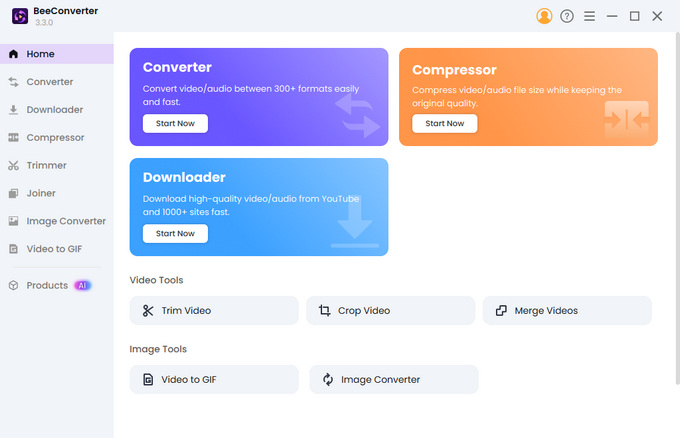
Hicoo Premium Converter for Windows & Mac is a desktop-based solution designed for handling large media files and batch processing tasks. Unlike browser tools, it runs directly on your local CPU/GPU, providing more stable performance for heavy workloads.
In testing, it handled large files up to 3GB without noticeable slowdowns and supported batch conversion of up to 30 files at once. It also includes built-in tools for trimming, merging, and compressing audio, making it suitable for more advanced workflows.
Pros:
√ Effortlessly handles huge gigabyte files and bulk folders.
√ Batch conversion clears up to 30 files in a single click.
√ Includes professional editing tools like audio compression and multi-file merging.
√ Universal support for more than 200 distinct media formats.
√ Runs completely offline without any internet connection.
Cons:
× Requires a software installation on your system drive.
× Advanced features require a premium upgrade after the initial trial.
Best for: Professionals or creators handling large batches of high-quality media files.
How to Choose the Best MP3 Converter
The ideal tool depends entirely on your daily project requirements:
For quick local conversions, browser-based tools with local processing like Hicoo are the fastest and most private choice.
For advanced file tuning, cloud platforms give you extra flexibility to adjust codecs and volume settings.
For heavy video folders or giant files, desktop software provides the necessary hardware power and stability.
For online video conversion, choose ad-free web platforms to bypass redirects and hidden scripts.
Are MP3 Converters Safe to Use?
MP3 converters are completely safe as long as you choose platforms with transparent data processing methods.
When converting local files, client-side tools are inherently secure because your data never transfers over the internet. For online URL downloading, you no longer have to risk your device on sketchy legacy sites; modern tools like Hicoo YouTube to MP3 establish clean streaming connections without adding dangerous ad layers.
As a general rule, avoid any platform that prompts unexpected .exe or .dmg file downloads, redirects your browser to unrelated storefronts, or requires unnecessary registration steps just to complete a simple audio conversion.
Best MP3 Bitrate & Quality Settings (320kbps vs 128kbps)
Your bitrate setting determines both your final audio depth and the amount of local storage space the file uses:
320kbps (Best Quality): The highest standard for compressed MP3 audio. It preserves full acoustic depth and punchy bass lines, making it perfect for archiving music tracks and high-quality voice recordings.
192kbps (Balanced): The sweet spot for daily listening. It provides an excellent compromise, cutting file sizes down significantly while remaining virtually indistinguishable from a CD on standard headphones.
128kbps (Smaller Size): Highly compressed audio. While it can sound a bit flat for music, it is incredibly space-efficient and works perfectly for voice content like audiobooks, lectures, or podcasts.
Tip for Online Audio: Most video streaming networks heavily compress their native audio feeds. When using an online link converter, setting your output between 192kbps and 320kbps ensures you capture all the available stream quality without introducing extra compression flaws.
Frequently Asked Questions
1. What is the fastest way to convert files to MP3?
The fastest way is to use an MP3 file converter with local processing, which avoids upload time and converts files instantly on your device. For large files or batches, desktop software is typically faster and more stable.
2. Is it safe to use an MP3 audio converter?
Yes, if you use trusted tools. Local converters are the safest since files stay on your device. For online tools, avoid sites that trigger downloads, redirects, or require unnecessary registration.
3. What is the best MP3 bitrate for quality?
320kbps offers the highest quality and is best for music. 192kbps provides a good balance for everyday use, while 128kbps is suitable for speech and saves storage space.
4. Can I convert large video files to MP3?
Yes, but browser tools may struggle with large files. Desktop software is better for files over 1GB or batch conversions due to higher stability and processing power.
5. Do I need to install software to convert files to MP3?
No, many free MP3 converters work directly in your browser. However, desktop software is a better option for large files, batch processing, or advanced features.