There are plenty of MP3 converters online, but finding a safe MP3 converter you can actually trust is another matter. A good MP3 converter should be easy to use, clear about how it handles your files, and free from the pop-ups, redirects, and unnecessary sign-ups that make some conversion sites frustrating.
We tested eight MP3 converters in real-world use, covering YouTube and URL conversion, local file conversion, audio quality options, and larger files. The results were quite different: some stood out for privacy, others for URL support, speed, or audio controls.
Table of Contents
MP3 Converter Comparison
| Safe MP3 Converter | Best For | Conversion Type | File Handling | Account | Ads |
|---|---|---|---|---|---|
| Hicoo YouTube to MP3 Converter | YouTube videos, Shorts, playlists, and channels | URL | No conversion history | No | No |
| OKmusi MP3 Converter | Stable URL conversion | URL | No conversion history | No | No |
| ToniCloop Audio Converter | URL conversion and MP3 bitrate options | URL | No conversion history | No | No |
| YouAreTube | MP3 quality and format choices | URL | History stored locally in browser | No | No |
| MP3Cow YouTube to MP3 Converter | Simple YouTube conversion | URL | No conversion history | No | No |
| Hicoo Free MP3 Converter Online | Sensitive local files | Local files | Browser-based processing | No | No |
| FreeConvert MP3 Converter | Advanced audio controls | Local files | Files automatically deleted after 8 hours | No | Moderate |
| Online-Convert | Audio customization | Local files | Files deleted after 24 hours | No | Light |
Best Safe MP3 Converters
We tested these audio converters across different use cases and looked at more than conversion speed when assessing how safe and practical they are. Some are better suited to YouTube and other online URLs, while others are more useful for local files, sensitive content, or advanced audio settings. Here's what we found in testing, including the privacy and file-handling details that may affect which tool is right for you.
1. Hicoo YouTube to MP3 Converter - Best for Safe YouTube Conversion
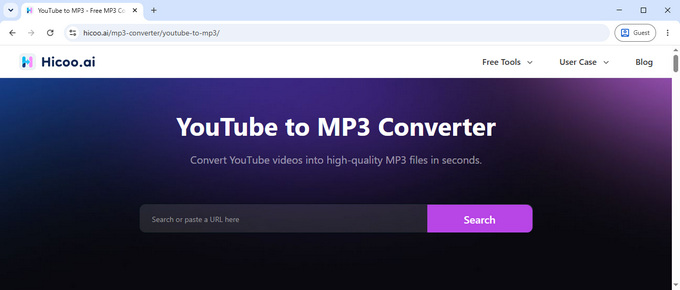
If you mainly convert YouTube videos to MP3, Hicoo YouTube to MP3 Converter is one of the more flexible options we tested. It supports standard YouTube videos as well as Shorts, playlists, and channels, so you can handle different types of YouTube content without switching tools.
The conversion process is straightforward. Paste a YouTube URL and select your preferred MP3 bitrate: 64 kbps, 128 kbps, 192 kbps, or 320 kbps. Then start converting without creating an account or providing personal information. During our testing, we found no ads or unexpected redirects, making the process easier to navigate than many free conversion sites.
Privacy is another reason it stands out. Hicoo doesn't keep a conversion history, and its website provides a clear privacy policy. It also supports more than YouTube, with 200+ platforms available when you need to convert URLs from other services such as TikTok, Instagram, Facebook, and Naver.
Best for: YouTube videos, Shorts, playlists, and channels, especially if you want a cleaner and more privacy-conscious conversion experience.
2. OKmusi MP3 Converter - Best for Stable URL Conversion
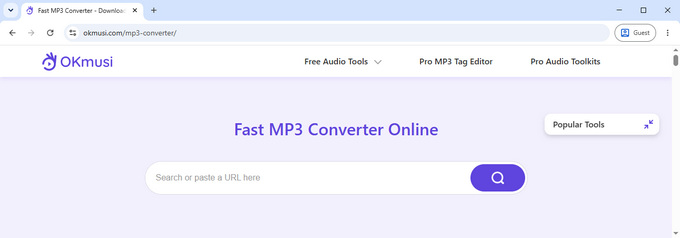
OKmusi MP3 converter is a good fit if most of your conversions involve music and audio platforms rather than a single video site. It supports URLs from YouTube, SoundCloud, Bandcamp, Mixcloud, Audiomack, Jamendo, and other services.
The main advantage we noticed during testing was consistency. URL conversion was stable and reasonably fast, without adding unnecessary steps to the process. You simply provide the URL and start the conversion without creating an account.
OKmusi also lets you preview the converted file before saving it. This is useful when you're converting a URL and want to check that the resulting audio is what you expected before keeping the file.
There are no ads, registration is not required, and OKmusi does not keep a conversion history.
Best for: Stable URL conversion from YouTube and music-focused platforms such as SoundCloud and Bandcamp.
3. ToniCloop Audio Converter - Best for Audio Quality Options
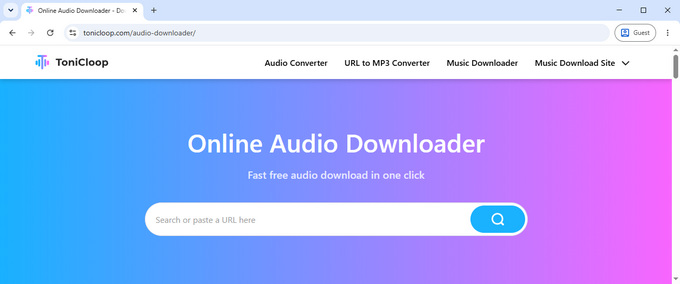
ToniCloop Audio Converter supports URL conversion to MP3 and M4A, as well as MP4 output. It works with a broad selection of platforms, including YouTube, Facebook, Instagram, Twitter, TikTok, Twitch, Tumblr, and Niconico.
One of its more useful features is the choice of MP3 bitrate. You can select 128, 192, or 320 kbps instead of being limited to a single output quality. That gives you more control when file size and audio quality matter.
The conversion itself was reasonably quick in our testing. ToniCloop safe MP3 converter also keeps the process simple: there is no registration requirement, and we didn't encounter ads or unexpected redirects while using the service.
It also does not keep a conversion history, which is useful if you prefer not to have previously processed URLs listed in the service.
Best for: Users who want URL conversion with multiple MP3 quality options and broad platform support.
4. YouAreTube - Best for MP3 Quality and Format Choices
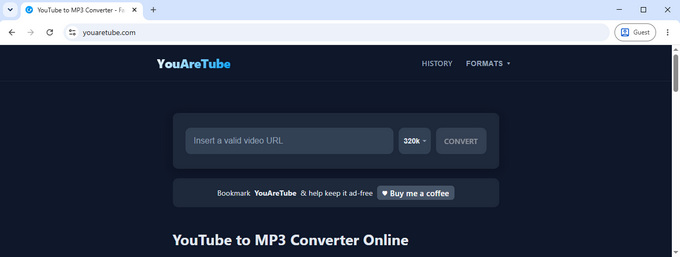
YouAreTube is useful when you want more control over the MP3 output. It offers five bitrate choices: 64, 128, 192, 256, and 320 kbps. The service also supports formats beyond MP3, including FLAC, M4A, WAV, WebM, AAC, Opus, OGG, and MP4.
The workflow is simple. Enter a YouTube URL, select the audio quality, and start the conversion. The service is free to use and doesn't require an account.
There is one privacy detail worth knowing. YouAreTube stores your conversion history in your browser's localStorage. The purpose is practical: you can return to a previously converted file without pasting and processing the same URL again. The history is stored locally in your browser and can be deleted manually.
Best for: YouTube conversion when you want several MP3 bitrate options and a wide choice of output formats.
5. MP3Cow YouTube to MP3 Converter - Best for Simple YouTube Conversion
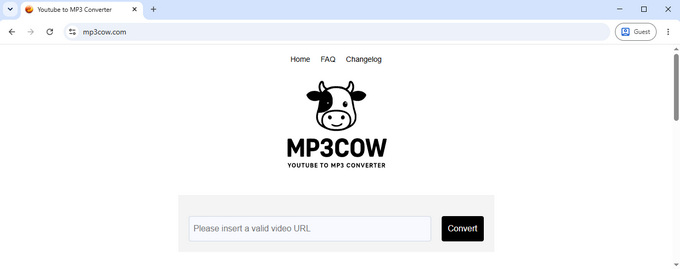
MP3Cow takes a narrower approach than the other URL converters in this list. It focuses on standard YouTube URLs rather than supporting multiple platforms or complex link types.
That limitation can be an advantage if you only need to convert individual YouTube videos. The workflow is simple: enter a supported YouTube URL and start the conversion. In our testing, the conversion was fast and didn't involve unnecessary steps.
MP3Cow does not require an account and has no ads or redirects during the conversion process. It also does not keep a conversion history.
There are some important limitations. Playlist and channel URLs aren't supported, and the service doesn't support URLs from other platforms. The free tier also allows 10 conversions per day. After reaching the limit, you can upgrade or look for an MP3Cow alternative.
Best for: Simple, occasional YouTube to MP3 conversion.
6. Hicoo Free MP3 Converter Online - Best for Sensitive Files
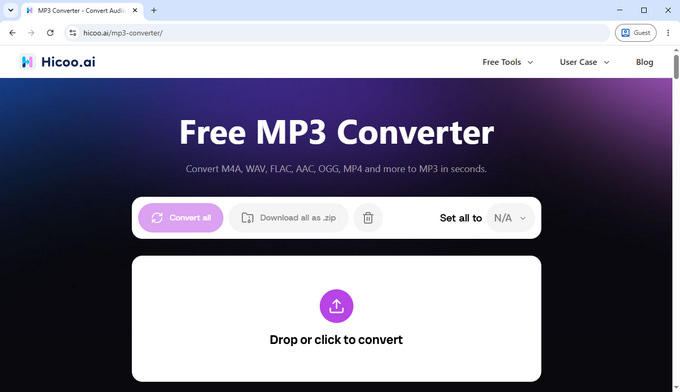
If you're looking for a safe MP3 converter for personal or sensitive audio files, how a converter handles your files matters more than how many platforms it supports. Hicoo Free MP3 Converter Online processes files locally in your browser, so you can convert personal recordings, work files, or other media without sending the original files to a remote conversion service.
The tool supports files up to 100 MB and can process up to three files at once. We tested a 61.9 MB audio file, and uploading and converting it to MP3 took about 80 seconds. The resulting audio played normally after conversion. It wasn't the fastest result in our testing, but the local processing makes it a useful option when privacy matters more than speed.
Hicoo also uses HTTPS, doesn't require an account, doesn't collect personal information, and has no ads or unexpected redirects. No additional software is required.
Best for: Sensitive or personal audio and video files where keeping the original media on your device is important.
7. FreeConvert MP3 Converter - Best for Advanced Audio Controls
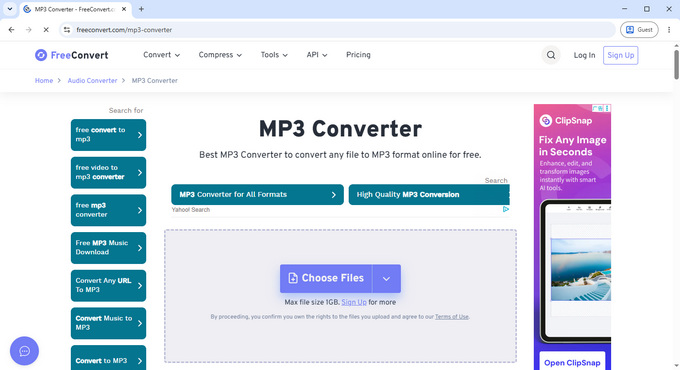
FreeConvert is a better choice when you need more than a basic file-to-MP3 conversion. Along with batch video processing, it provides controls for audio codec, volume, fade in and fade out, reverse, and trimming.
You can use the converter without an account, and it doesn't require additional software. The free version allows up to 10 operations per day.
FreeConvert also provides clear information about file security. Its security information states that data transmitted between your device and its servers is protected with SSL/TLS encryption. Converted files are automatically deleted after 8 hours, giving you a clearly stated file retention period.
The trade-off is advertising. We found a moderate amount of advertising on the site, although it didn't prevent us from completing a conversion.
For a direct speed comparison, we tested the same 61.9 MB audio file used with Hicoo. FreeConvert completed the upload and conversion in about 48 seconds, making it considerably faster in this particular test.
Best for: Users who want advanced audio controls, batch processing, and a clearly stated file deletion policy.
8. Online-Convert - Best for Audio Customization
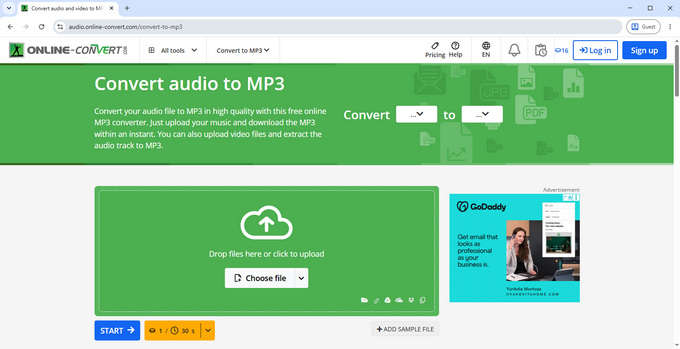
Online-Convert is particularly useful if you want to adjust audio settings before creating the MP3. You can change the bitrate, sample rate, and audio channels, as well as trim the audio.
The free & safe MP3 converter doesn't require an account or additional software, and the site uses relatively light advertising compared with many free online conversion services.
Its file handling policy is also clearly stated. Files are deleted after 24 hours, or you can delete them immediately using the available Delete option. Online-Convert also maintains a dedicated security page explaining its security practices.
We tested the same 61.9 MB audio file here as well. It took about 23 seconds to upload and another 33 seconds to convert, for a total of roughly 56 seconds.
Best for: Users who want more control over bitrate, sample rate, channels, and trimming.
How to Choose a Safe MP3 Converter
For this list, we considered an MP3 converter safer when it is transparent about file handling, uses a secure connection, avoids suspicious redirects, and doesn't require unnecessary software or personal information. We checked these factors during testing, along with how each tool handles uploaded files and conversion history.
Look at how files are handled. If a service requires you to upload a file, check whether it explains when the file will be deleted. A specific retention period, such as FreeConvert's 8 hours or Online-Convert's 24 hours, gives you more useful information than a general claim about privacy.
Check the connection. HTTPS is a basic requirement for an online service that transfers files or other information. Some services go further by publishing a dedicated security page explaining how data is protected.
Pay attention to the conversion experience. Ads are common on free online tools, but aggressive pop-ups, misleading buttons, and unexpected redirects are different. A clean interface makes it easier to identify the actual conversion controls and reduces the chance of clicking something you didn't intend to.
Consider whether an account is necessary. If you're only converting a file or URL, there may be little reason to provide personal information. A converter that works without registration can keep the process simpler.
Be careful with extra software. A basic online conversion should not normally require an unfamiliar browser extension or executable program. If a site suddenly asks you to install something unrelated to the conversion, it's worth stopping and checking another service.
For sensitive files, consider where processing happens. Browser-based local processing can be particularly useful for personal or confidential media because the original file doesn't need to be sent to a remote conversion server.
FAQ
1. Are MP3 converters safe to use?
Yes, some are safer than others. Hicoo YouTube to MP3 Converter is a good choice for YouTube conversion, while Hicoo Free MP3 Converter Online is better suited to sensitive local files. Both require no account and have no ads or unexpected redirects.
2. What is the safest MP3 converter?
Among the tools we tested, Hicoo YouTube to MP3 Converter is our top choice for URL conversion. It supports YouTube videos, Shorts, playlists, and channels, requires no account, and doesn't keep a conversion history.
3. Is it safe to use a YouTube to MP3 converter?
Yes, but the experience and privacy practices vary between services. Hicoo YouTube to MP3 Converter is a good option if you want a simple conversion process without an account, ads, or unexpected redirects. It also supports MP3 bitrates from 64 to 320 kbps.
4. Do MP3 converters keep your files?
It depends on the converter. Hicoo Free MP3 Converter Online processes files locally in your browser, while FreeConvert automatically deletes converted files after 8 hours and Online-Convert deletes them after 24 hours.
5. Do I need an account to convert files to MP3?
No. None of the eight converters we tested requires an account. You can use all eight without registration, although their file-handling policies and features differ.
6. Which MP3 converter is best for sensitive files?
Hicoo Free MP3 Converter Online is the best choice among the tools we tested. It processes files directly in your browser, so the original media doesn't need to be uploaded to a remote conversion server.
Which MP3 Converter Should You Choose?
If you're looking for a safe MP3 converter, Hicoo YouTube to MP3 Converter is a strong choice for a clean conversion experience and support for videos, Shorts, playlists, and channels. For sensitive local files, Hicoo Free MP3 Converter Online is a better option because processing happens in your browser. If you need advanced audio controls, FreeConvert or Online-Convert are better suited to that use case.