Sometimes you only need the audio from a video. It could be a music track, a podcast uploaded as video, or a short clip you want to replay offline.
Instead of dealing with editing software, most people just want a quick way to convert video to MP3 and move on. But not every tool makes that easy, with some slowing you down through ads, upload limits, or unnecessary steps.
Below are a few tools that actually work well in practice, whether you are converting local files or extracting audio from online videos.
Table of Contents
Convert Online Video to MP3
If your source is a link instead of a file, the process changes slightly. Instead of uploading, you paste a URL and let the tool handle extraction directly. This works for platforms like YouTube, TikTok, or other video-sharing sites, and it is usually the fastest way to grab audio without downloading the full video first.
Convert YouTube Videos to MP3
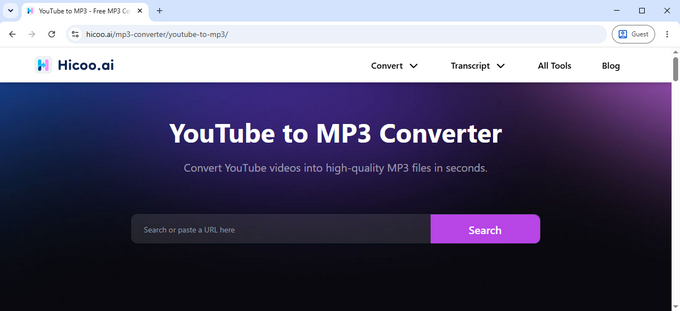
Hicoo's YouTube to MP3 converter keeps things simple. You paste the video link, choose the output quality, and download the file. It supports 128, 192, and 320 kbps, so you can decide between smaller file size or better audio quality depending on how you plan to use it.
The experience is clean and fast. There are no ads interrupting the process, and downloads remain stable even for longer videos. It works well for saving music, interviews, or long-form content you want to listen to offline without keeping the video.
Convert URL to MP3
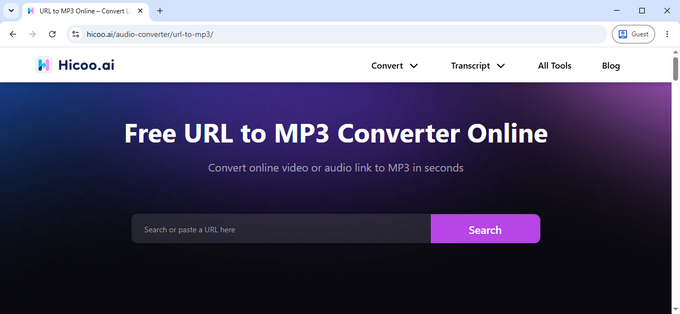
For links beyond YouTube, Hicoo's URL to MP3 converter supports over 200 sites, including Facebook, TikTok, Instagram, and SoundCloud. You paste the link and extract the audio in the same way, without switching between different tools.
This is useful when you're collecting audio from multiple platforms. Instead of downloading each video separately, you can convert everything directly into MP3. The process stays smooth, with no ads and consistent speed, even when working across different sources.
Best Video to MP3 Converter Tools (Free & Fast)
Choosing a video to MP3 converter usually comes down to a few practical factors, including conversion speed, whether ads interrupt the process, and how well the tool handles different types of files. Some tools are designed for quick, one-click conversions, while others offer more control over audio settings and editing.
Here’s a quick comparison of commonly used tools and how they perform in real use.
| Tool | Ads | Speed | Processing Method | Best For |
|---|---|---|---|---|
| Hicoo Online | No | Very Fast (~5s) | Browser local processing | Quick conversions, privacy, no interruptions |
| Online-Convert | No | Medium (~20s) | Server-based | Advanced settings, audio customization |
| FreeConvert | Yes | Medium (~13s) | Server-based | Light editing (trim, fade, volume) |
| HappyScribe | Minimal | Fast (~9s) | Server-based | Transcription + audio extraction |
| Hicoo Premium | No | Very Fast (~5s) | Local software | Large files, batch processing, advanced editing |
Hicoo - Fast Video to MP3 Converter Online
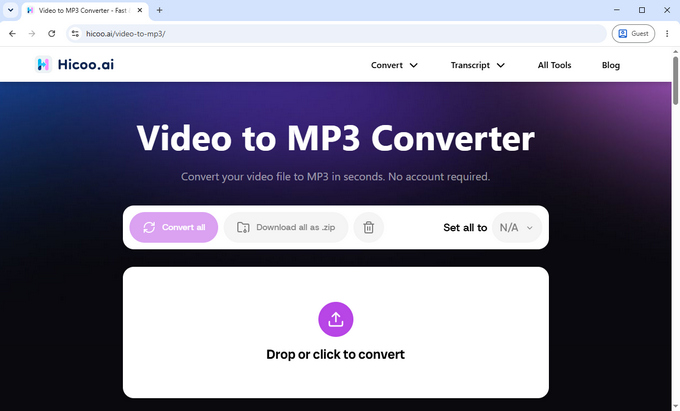
Hicoo Free Video to MP3 Converter focuses on speed and simplicity. Everything runs locally in your browser, so you do not have to upload files to a server. That makes a noticeable difference when you are converting short clips or working with multiple files.
In testing, a 25MB video file was converted in about five seconds. The output MP3 file stayed around 4.85MB, and the audio quality was consistent for both music and voice content. It supports files up to 100MB and allows batch conversion of three files at a time.
There are no ads, no registration requirements, and no extra steps. You upload, convert, and download in one flow. It is best suited for quick, everyday conversions where you want speed without distractions.
Pros:
- No ads, clean interface
- Very fast conversion speed
- Local processing improves privacy
Cons:
- Limited batch size
- Fewer advanced editing features
Best for: Quick conversions, short videos, users who want a smooth and fast experience.
Online-Convert - Video to MP3 Converter with Advanced Settings
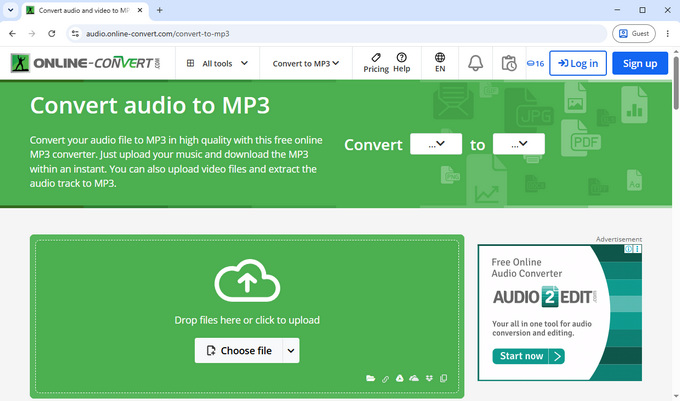
Online-Convert is more focused on control. It takes longer to process files, but it gives you access to detailed audio settings that most tools skip.
A 25MB file took around twenty seconds to convert, with output quality similar to other tools. The difference is in customization. You can adjust bitrate, sample rate, and channels, trim audio, normalize volume, and remove cover art before conversion.
There are no intrusive ads, and files are automatically deleted after 24 hours. You can also manually delete them immediately after conversion.
Pros:
- Advanced audio settings
- Clean interface without aggressive ads
- File deletion options for privacy
Cons:
- Slower than simpler tools
- Slightly more complex workflow
Best for: Users who need control over audio quality or want to fine-tune output settings.
FreeConvert - Flexible Video to MP3 Tool
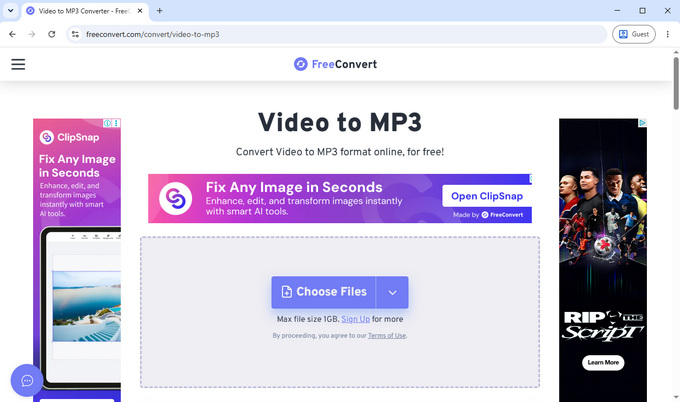
FreeConvert offers a balance between speed and flexibility. It is not the fastest option, but it provides useful editing features without becoming overly complex.
Converting a 25MB video took around thirteen seconds. The output MP3 file size and quality remained consistent. You can adjust codec settings, change volume, apply fade effects, reverse audio, or trim sections before conversion.
There are ads on the page, which can be distracting, but they do not interrupt the actual conversion process.
Pros:
- Useful editing features
- Reasonable conversion speed
- Supports multiple adjustments
Cons:
- Ads on the interface
- Slightly slower than top performers
Best for: Users who want light editing features without using separate software.
HappyScribe - Video to MP3 with Transcription
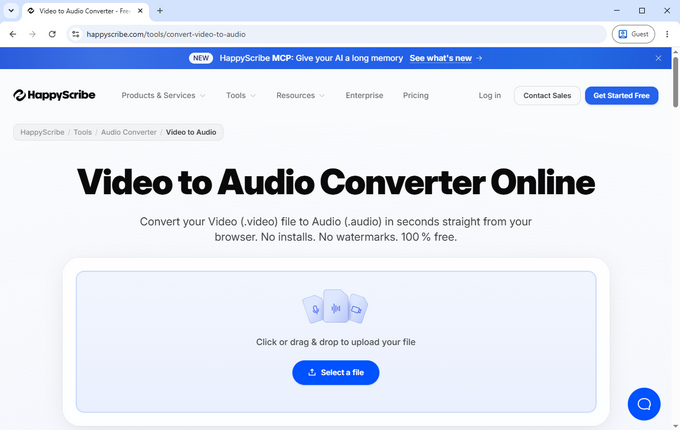
HappyScribe adds another layer by combining audio extraction with transcription tools. This makes it useful for spoken content rather than just music.
A 25MB video file was converted in about nine seconds. The output quality was consistent, and the process only required one extra step to select the output format after upload. There is a small amount of advertising, but it does not interrupt the workflow.
The main advantage is that you can immediately turn audio into subtitles or text, which is useful for interviews, lectures, or content creation.
Pros:
- Fast conversion speed
- Built-in transcription features
- Useful for spoken content
Cons:
- Requires manual format selection
- Limited editing controls
Best for: Interviews, lectures, and content that needs transcription.
Hicoo Premium - Convert Large Video Files to MP3
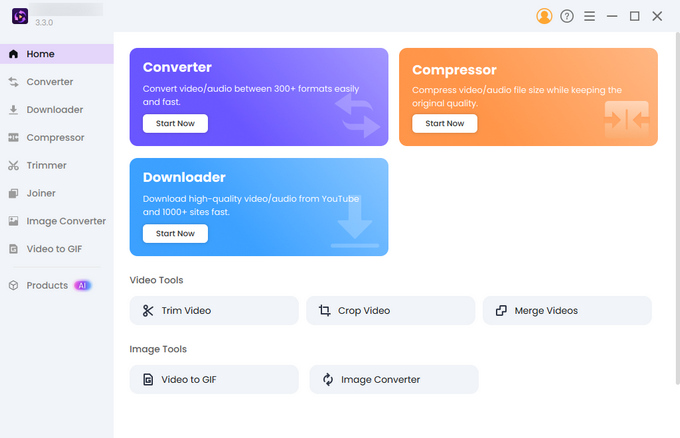
For larger files or frequent use, a desktop tool is more practical. Hicoo Premium processes everything locally and handles much heavier workloads than browser-based tools.
It supports files up to 3GB and allows batch conversion of up to thirty files at once. You can adjust audio codec, bitrate, channels, and sample rate, and use built-in tools for trimming, merging, and compression.
Performance is more stable when working with long videos, and the output quality is more consistent, especially when dealing with higher-quality source material.
Pros:
- Handles large files and batch processing
- Advanced editing and control
- Stable performance for long videos
Cons:
- Requires installation
- Not as instant as online tools
Best for: Large files, batch processing, and more advanced workflows.
Why MP3 is the Best Format for Video Conversion
MP3 remains the most practical format because it works across almost every device and keeps file sizes manageable. Whether you are saving music or spoken content, you can rely on MP3 to play without compatibility issues.
For most cases, a bitrate between 192 kbps and 320 kbps provides good audio quality without making files unnecessarily large. Higher-quality formats exist, but they take up more space and are rarely needed unless you are doing professional editing.
FAQ
1. How do I convert video to MP3 for free?
Use an online video to MP3 converter. You either upload a video file or paste a link, then select MP3 as the output format and download the result. For most users, no software installation is needed.
2. What is the fastest video to MP3 converter?
Tools that process files locally, like Hicoo, are usually faster because they do not upload files to a server. This avoids waiting time, especially when working with larger videos or multiple conversions.
3. Can I convert videos from websites to MP3?
Yes. Many URL to MP3 tools support direct link conversion from platforms like YouTube, TikTok, Instagram, and other video sites. You simply paste the URL instead of uploading a file.
4. What bitrate should I choose for MP3?
192 kbps works well for general use like voice or podcasts. If you are converting music or want higher audio quality, 320 kbps is usually the better choice.
Conclusion
Most people do not need a complex setup to convert video to MP3. A fast online tool is enough for everyday use, especially when it avoids ads and unnecessary steps. If you work with larger files or need more control, a desktop option makes more sense. The right choice depends on how often you convert and what kind of content you are working with.