Steps to Convert HEIC to JPG Online
- Upload Your HEIC Images
- Convert HEIC to JPG
- Download Your JPG Files
Click the upload button and select the HEIC files you want to convert. You can upload up to 3 images at once from your computer or mobile device.
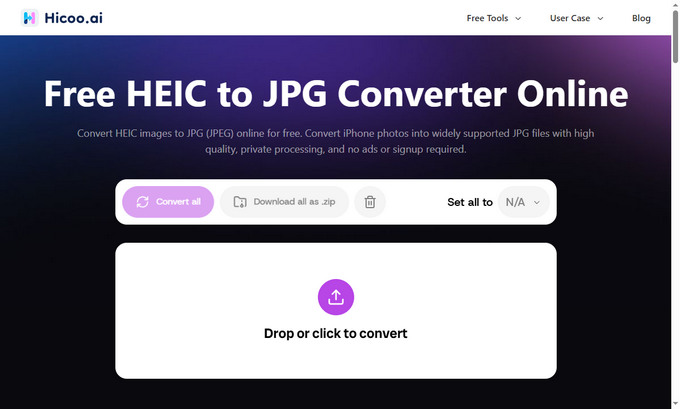
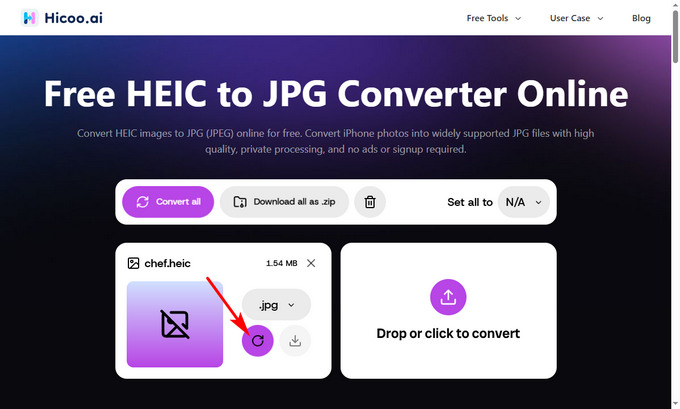
The tool will process your images and convert HEIC files into JPG format while maintaining high image quality.
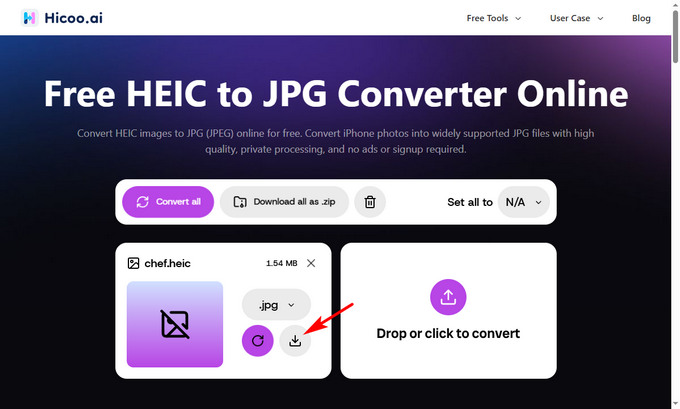
Once the conversion is complete, download your JPG images and use them anywhere, including websites, social media platforms, and image editing software.
Need to Convert Hundreds of HEIC Photos?
If you have hundreds of iPhone photos to convert, an online converter may not be the most efficient option. Our Premium Converter supports batch HEIC conversion, allowing you to process large numbers of images at once.
FAQ
1. Can I convert HEIC photos from my iPhone?
Yes. You can convert HEIC photos directly from your iPhone using any mobile browser. Upload your HEIC images, convert them to JPG, and save the converted files to your device.
2. How do I convert HEIC to JPG on Windows?
On Windows, you can convert HEIC to JPG by uploading your HEIC files to an online converter without installing additional software. Select JPG as the output format and download your converted images.
3. Can I convert HEIC files to JPG without losing quality?
Yes, our HEIC to JPG converter is designed to maintain high image quality during the conversion process.
4. How many HEIC images can I convert online?
Our online HEIC to JPG converter supports up to 3 images per conversion. For larger batches, use the desktop converter.
5. Is HEIC better than JPG?
HEIC usually provides smaller file sizes, while JPG offers broader compatibility across devices and platforms.