How to Convert Video to Audio in 3 Steps
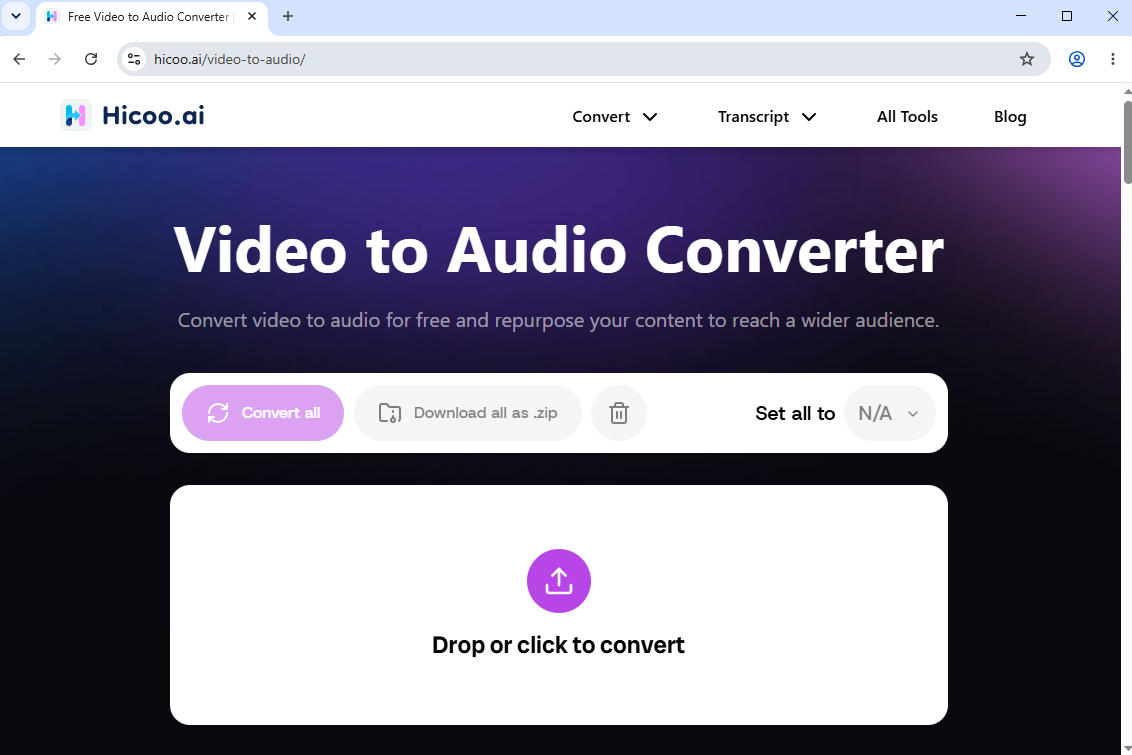
- Upload Your Video Files
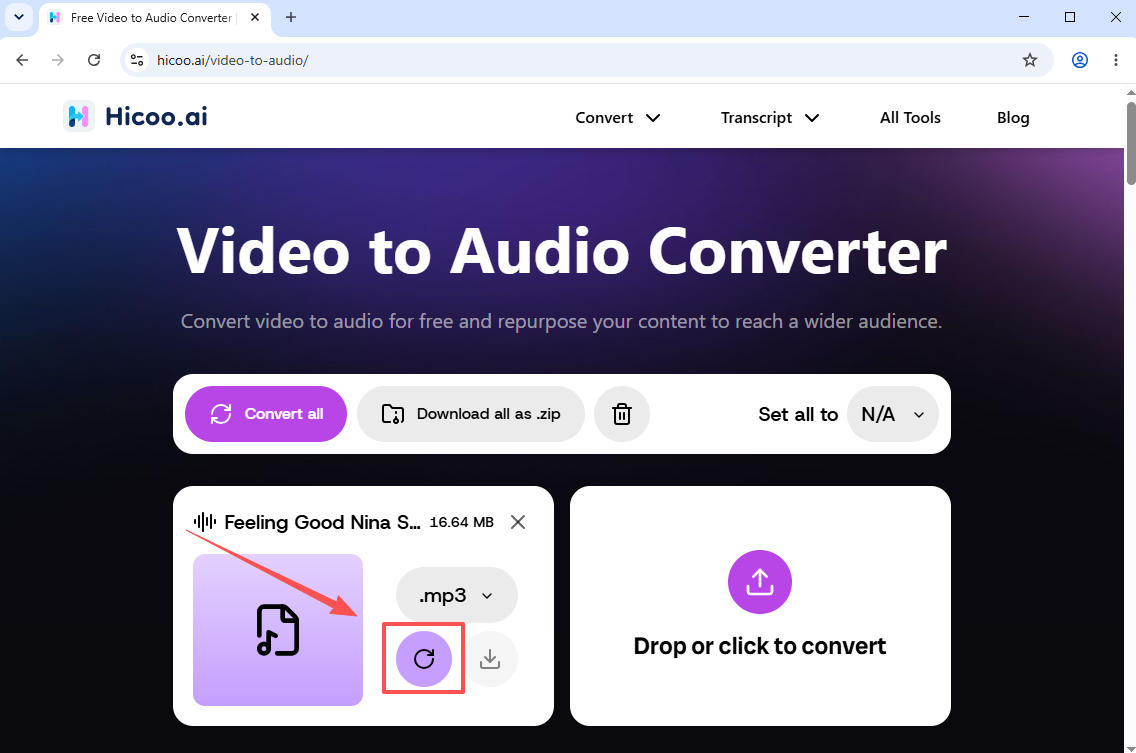
- Choose Format and Convert
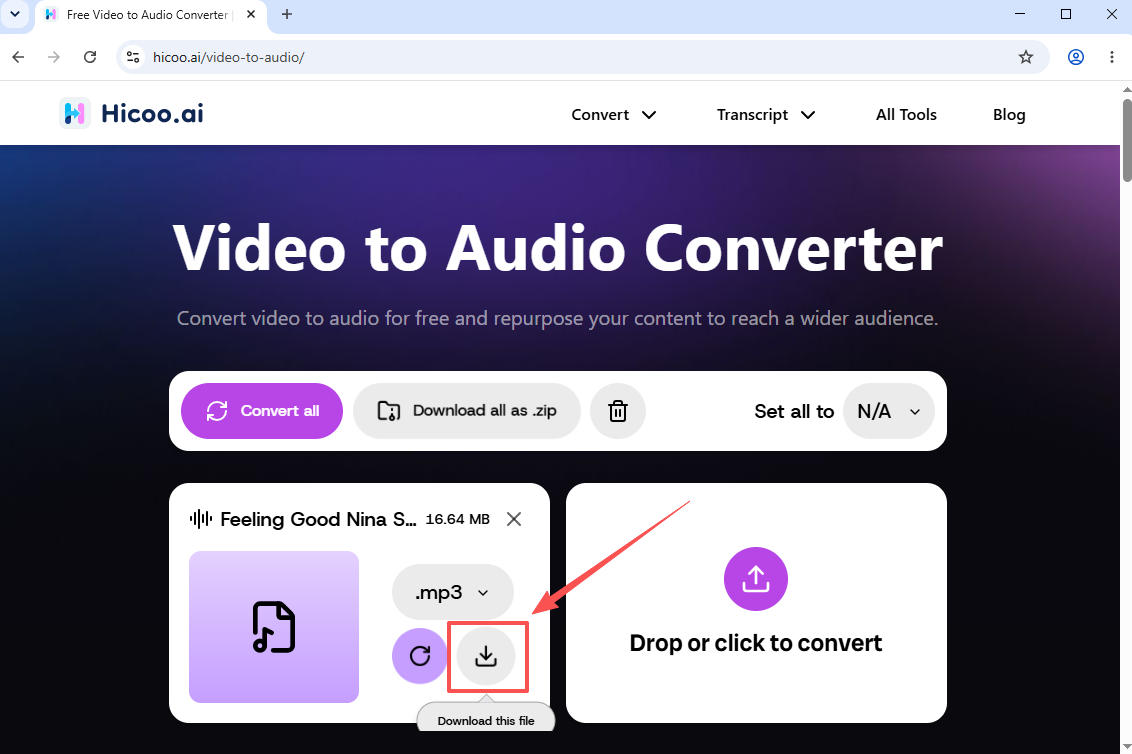
- Save Video in Audio Format
Drag and drop your videos or click to upload. We support processing up to 3 files simultaneously (max 100MB per file). It's 100% private, all processing runs locally in your browser. Your files are never uploaded to any server.
Select your desired audio output. We support 20+ popular formats including MP3, WAV, and M4A. Click "Convert" to instantly extract the audio, fast, ad-free, and seamless.
Click the download button to save the extracted audio files directly to your device. Enjoy lightning-fast, secure, and private local conversion.
Supported Formats
Input (Video Files):
MP4, MOV, MKV, AVI, WEBM and more
Output (Audio Files):
MP3, WAV, AAC, FLAC and more
Convert Large Videos in Seconds
Online conversion supports files up to 100MB per file with fast browser-based processing. For larger files or advanced workflows, you can use Hicoo Premium Converter.
FAQ
1. Is it safe to use this video to audio converter?
Yes, it is 100% safe. Unlike traditional online converters, all processing runs locally inside your web browser. Your video files are never uploaded to our servers, ensuring absolute privacy and security for your data.
2. What are the file size and quantity limits for conversion?
You can convert up to 3 video files simultaneously, with a maximum file size of 100MB per video.
3. Do I need to pay or register an account to use this tool?
No registration, sign-up, or software installation is required. This tool is completely free to use, without any hidden fees, ads, or interruptions.
4. Which audio formats do you support for extraction?
We support over 20 popular audio formats, including MP3, WAV, M4A, and many others, allowing you to easily extract high-quality audio in the format you need.