Whether you want to convert a YouTube video to MP3, turn an MP4 file into audio, or extract sound from another video format, the right tool depends on your source. URL to MP3 converters work well for online videos, while video file converters are better when the file is already on your device. For large files and frequent batch conversions, desktop software can be a better fit.
Table of Contents
Quick Comparison of the Best Video to MP3 Converters
| Tool | Best For | Input | Platform |
|---|---|---|---|
| Hicoo YouTube to MP3 Converter | YouTube videos, Shorts, playlists, and channels | YouTube URL | Online |
| Hicoo URL to MP3 Converter | Multiple video and audio sites | URL | Online |
| OKmusi MP3 Converter | 200+ supported sites | URL | Online |
| Audio Transcriber AI YouTube to MP3 | Simple YouTube conversion and playback | YouTube URL | Online |
| MP3Cow | Simple YouTube conversions | YouTube URL | Online |
| Hicoo Video to MP3 Converter | Fast local video conversion | Video files | Online |
| FreeConvert | Conversion with audio editing controls | Video files | Online |
| Convertio | Batch conversion and output controls | Video files | Online |
| CloudConvert | Advanced output settings | Video files | Online |
| HappyScribe | Video-to-audio conversion and transcription | Video files | Online |
| Hicoo Premium Converter | Large files, batch URL and file conversion | URLs + video files | Windows & Mac |
Best YouTube & URL to MP3 Converters
If your video is already online, a URL to MP3 converter is usually the easiest option. You don't need to save the video first and then upload it to another service. Paste a supported URL, choose the audio quality when available, and convert it directly.
The tools below range from YouTube-specific converters to multi-platform services that support sites such as TikTok, Facebook, Instagram, SoundCloud, and more.
Hicoo YouTube to MP3 Converter - Up to 320kbps
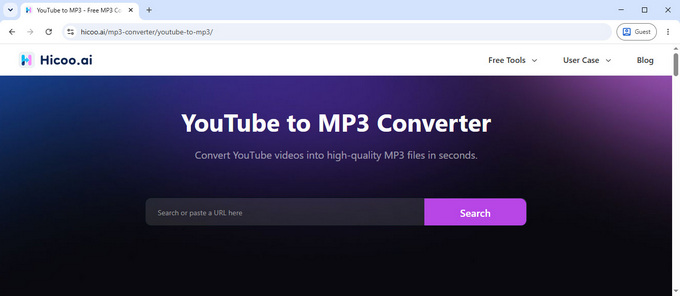
Hicoo YouTube to MP3 Converter supports regular YouTube videos, Shorts, playlists, and channels, so you can use it for both individual videos and larger collections.
You can preview a YouTube video before converting it, which makes it easier to confirm that you've selected the right content. You can also search for a video by name directly on the page if you don't have the URL available.
For audio quality, you can choose 128kbps, 192kbps, or 320kbps. Choose a lower bitrate when you want a smaller file, or 320kbps when you want higher audio quality.
In our testing, the YouTube video to MP3 conversion experience was clean and straightforward. There were no intrusive ads or unexpected redirects, and no account was required. You can go from finding a video to choosing the output quality without navigating through unrelated pages.
Best for: YouTube users who want playlist support, video previews, and multiple MP3 quality options.
Hicoo URL to MP3 Converter - Ad-Free & Multi-Platform
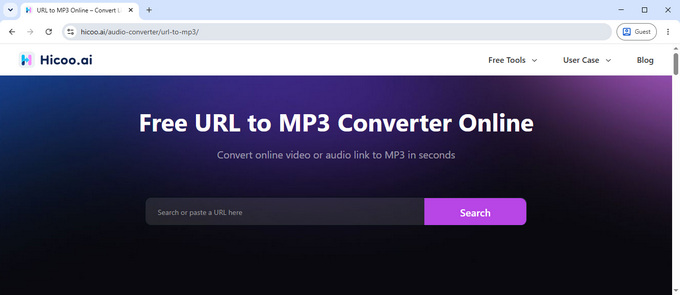
Hicoo URL to MP3 Converter supports URLs from a wide range of video and audio platforms, including Facebook, TikTok, X (Twitter), SoundCloud, Mixcloud, and Instagram. Unlike a YouTube-specific converter, it is designed for users who work with links from different platforms.
You can choose from 128kbps, 192kbps, or 320kbps for the MP3 output. This is useful when you want higher-quality audio for listening or a smaller file for everyday use.
In our testing, the online video to MP3 conversion process was fast and consistent. The interface was clean, with no intrusive ads or unexpected redirects, and the service remained stable throughout the process.
Best for: Users who need to convert URLs from multiple video and audio platforms to MP3.
OKmusi MP3 Converter - 200+ Supported Sites
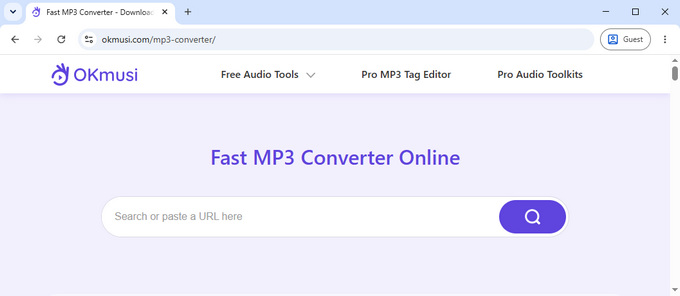
OKmusi MP3 Converter supports 200+ sites, making it a useful option if you convert videos from different platforms rather than just YouTube. Supported sources include YouTube, TikTok, Instagram, SoundCloud, Mixcloud, Audiomack, and Bandcamp.
For MP3 conversion, you can choose output quality up to 320kbps. It also supports M4A and MP4 where available, but MP3 is the main focus for audio conversion.
The interface is clean and straightforward, making it easy to find the conversion options and start a conversion.
Best for: Users who want a single MP3 converter that supports a wide range of websites.
Audio Transcriber AI YouTube to MP3 - Built-in Audio Playback
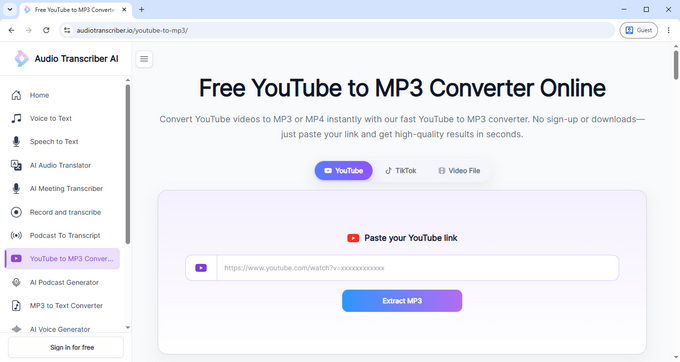
Audio Transcriber AI's YouTube to MP3 tool keeps the conversion process simple. Paste a YouTube URL and convert it to MP3 without going through a long list of settings.
After conversion, you can play the audio directly in the browser and adjust the playback speed to 1x, 1.25x, 1.5x, or 2x. The tool also shows the approximate audio file size, which is useful if you want to know how large the resulting MP3 will be before saving it.
The service has no intrusive ads and keeps the interface focused on the conversion itself. It does not provide multiple MP3 quality options, so the output settings are relatively limited.
Best for: Users who want a simple YouTube video to MP3 converter with built-in audio playback and file size information.
MP3Cow - Simple YouTube Conversion
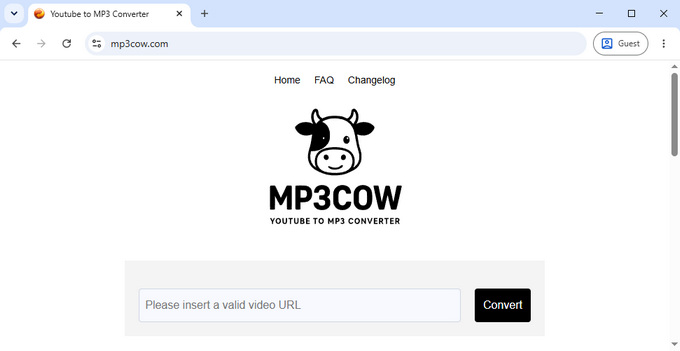
MP3Cow keeps the YouTube video to MP3 conversion process simple: enter a YouTube link and start converting. It supports longer videos and doesn't use intrusive advertising, but there is no video preview or MP3 quality selector.
The service allows 10 free conversions per day, after which a paid option is required. MP3 quality is fixed, with no option to choose the output bitrate.
If you want to compare it with other options, see our MP3Cow alternatives.
Best for: Users who want quick YouTube to MP3 conversion without extra settings.
Best Online Video File to MP3 Converters
URL to MP3 converters are useful when the source is an online video. But if you already have an MP4, MOV, AVI, MKV, or another video file on your computer, uploading the file directly to a video to MP3 converter is usually more straightforward.
We tested the following tools with the same 54.5 MB video file. The results showed noticeable differences in processing time, file handling, and available output controls.
Hicoo Video to MP3 Converter - Fast Local Browser Conversion
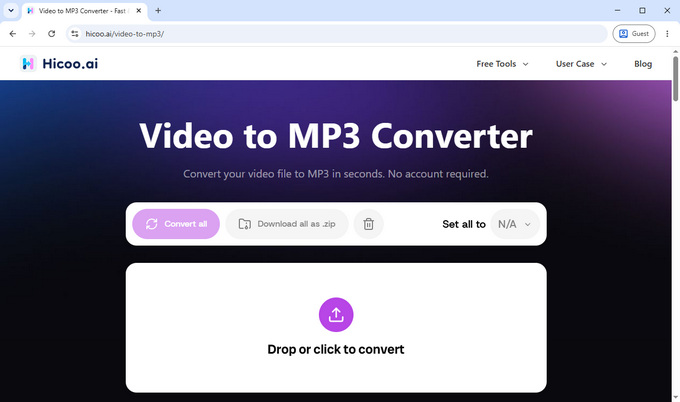
Hicoo Video to MP3 Converter is a browser-based tool for converting local video files to MP3. It supports common formats including MP4, MOV, AVI, and MKV, with files up to 100 MB and up to three files per conversion.
The tool processes files locally in the browser, so you don't need to upload your video to a remote server. It also has a clean, ad-free interface, which keeps the conversion process straightforward.
Speed was the biggest standout in our test. Using the same 54.5 MB video, Hicoo took about 7 seconds to produce a 4.90 MB MP3, making it the fastest result in our test.
Best for: Users who want fast, browser-based video to MP3 conversion without uploading their files to a server.
FreeConvert Video to MP3 - Audio Editing Controls
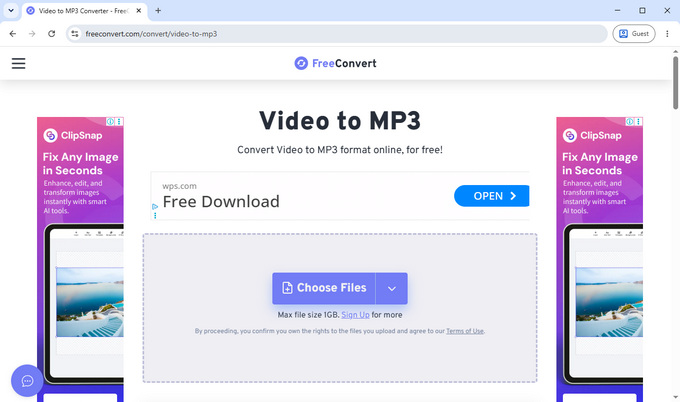
FreeConvert is a good option when you want more than a basic video to MP3 conversion. It lets you adjust settings such as audio codec, volume, fade in/out, reverse, and trimming, so you can make simple edits before creating the MP3.
You can process up to five files at once, with 10 free conversions per day. FreeConvert states that uploaded files are automatically deleted after eight hours. In our test, the same 54.5 MB video took about 23 seconds to convert and produced a 4.90 MB MP3.
The main trade-off is the page experience. It contains more advertising than some of the other converters we tested, although the ads did not prevent us from completing the conversion.
Best for: Users who want to adjust or edit audio while converting video to MP3.
Convertio MP4 to MP3 - Batch Conversion and Audio Controls
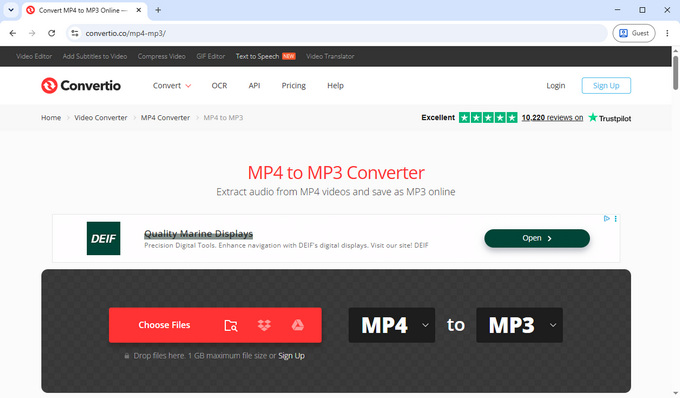
Convertio combines batch conversion with a wide range of audio controls. You can process up to 10 videos at once and adjust settings such as cutting, codec, variable bitrate, bitrate, audio channels, frequency, and volume.
In our test, the same 54.5 MB video took approximately 24 seconds to convert and produced an 8.34 MB MP3.
Convertio processes files on its servers and states that output files are deleted after 24 hours. You can also delete them manually earlier. The page we tested contained one ad, but it did not significantly interfere with the conversion process.
Best for: Users who need batch MP4 to MP3 conversion with detailed audio controls.
CloudConvert MP4 to MP3 - Detailed Audio Settings
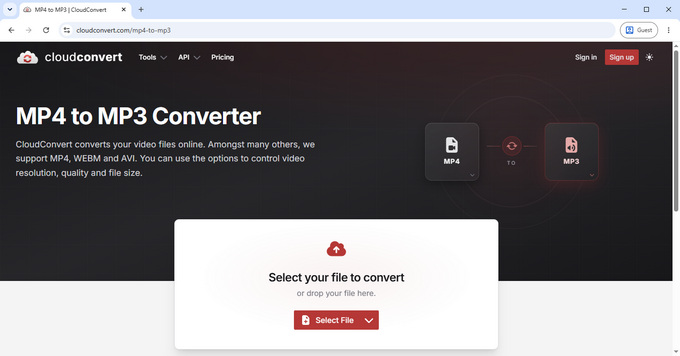
CloudConvert is a good option when you want more control over the audio output. Its MP4 to MP3 converter lets you adjust settings such as codec, bitrate, channels, volume, sample rate, and trimming.
You can process up to five files at once, and the MP4 to MP3 converter doesn't impose a file-size limit. This makes it useful when you need to work with larger videos or several files in one session.
Our 54.5 MB test file took approximately 29 seconds to convert and produced an 8.3 MB MP3. The output size can vary depending on the selected or default audio settings, so a larger file does not necessarily mean better audio quality.
CloudConvert processes files on its servers and states that files are kept only for processing and deleted immediately afterward. The interface we tested was also free of intrusive advertising.
Best for: Users who want detailed control over bitrate, sample rate, channels, and other audio settings.
HappyScribe Video to Audio - Transcription and Subtitles
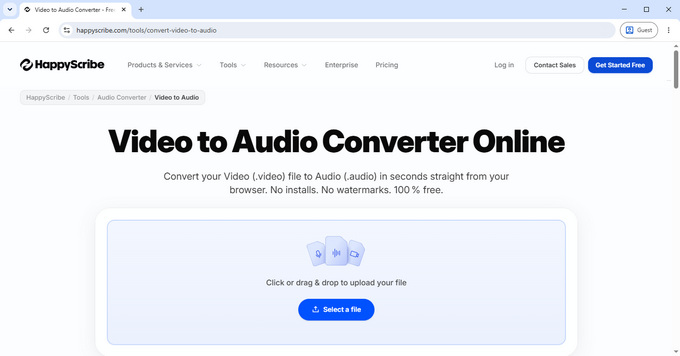
HappyScribe combines video to audio conversion with transcription and subtitle tools, making it useful for more than simply extracting audio from a video.
You can use the uploaded video for audio conversion, transcription, or subtitle generation. This makes it a practical option for interviews, lectures, meetings, podcasts, and other spoken-word content.
With our 54.5 MB test file, the conversion process took about 15 seconds. The initial upload took around seven seconds, followed by selecting the output format and starting the conversion.
The workflow involves a few more steps than a dedicated video to MP3 converter, and we also encountered one ad during testing, although it wasn't disruptive.
Best for: Users who want video to audio conversion alongside transcription and subtitle features.
Video File Conversion Speed Test
We tested the same 54.5 MB video file with the five online video to MP3 converters above to compare their processing times and output sizes.
| Converter | Conversion Time | Output Size | Batch Processing |
|---|---|---|---|
| Hicoo Video to MP3 | 7 sec | 4.90 MB | Up to 3 files |
| HappyScribe | 15 sec | 4.90 MB | - |
| FreeConvert | 23 sec | 4.90 MB | Up to 5 files |
| Convertio | 24 sec | 8.34 MB | Up to 10 files |
| CloudConvert | 29 sec | 8.30 MB | Up to 5 files |
The results are based on a single test and can vary with server load, connection speed, file characteristics, and output settings.
Output size also isn't a direct measure of audio quality. The converters use different encoding settings, which is why Convertio and CloudConvert produced files around 8.3 MB, while several others produced files around 4.9 MB from the same source.
In this test, Hicoo had the shortest conversion time. CloudConvert and Convertio stood out for the range of audio controls they offered.
Best Desktop Option for Video to MP3
Online converters are convenient for occasional tasks, but desktop software is more practical when you regularly handle large files, batches, or both URLs and local videos.
Hicoo Premium Converter - Large Files and Batch Conversion
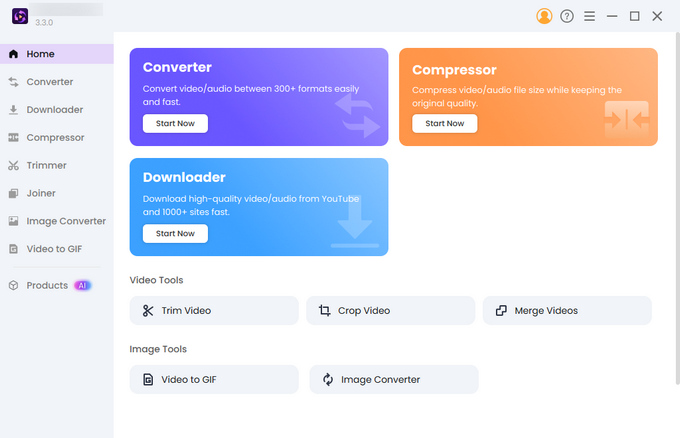
Hicoo Premium Converter combines URL conversion, local file conversion, and video editing in one Windows and Mac application. For URL-based conversion, it supports 1,000+ sites, batch URL conversion, and one-click playlist processing, with MP3 output up to 320kbps.
For local files, it supports files up to 3 GB, batches of up to 30 files, and more than 200 formats. You can also adjust audio settings such as codec, bitrate, channels, and sample rate.
It also includes trimming, cropping, merging, and compression for users who need more than format conversion.
The main trade-off is that it requires installation. For occasional small-file conversions, an online tool is simpler. For large files, batch jobs, or mixed URL and local-file workflows, a desktop application can avoid repeated uploads and browser-based processing.
Best for: Users who regularly convert large files, process batches, or work with both online URLs and local videos.
Frequently Asked Questions
1. How do I convert YouTube to MP3?
Use Hicoo YouTube to MP3 Converter. Paste a YouTube URL, preview the video, choose 128kbps, 192kbps, or 320kbps, and start the conversion. It supports regular videos, Shorts, playlists, and channels.
2. How do I convert MP4 to MP3?
For a local MP4 file, Hicoo Video to MP3 Converter lets you convert it directly in your browser. It supports MP4, MOV, AVI, and MKV files up to 100 MB, with up to three files processed at once.
3. Is it safe to use a YouTube to MP3 converter?
Hicoo YouTube to MP3 Converter does not require an account and had no intrusive ads or unexpected redirects during our testing. You can use it without entering your YouTube account credentials.
4. Can I convert a YouTube playlist to MP3?
Yes. Hicoo YouTube to MP3 Converter supports YouTube playlists as well as individual videos and Shorts, so you can process a playlist without converting every video URL separately.
5. Should I use an online or desktop video to MP3 converter?
For occasional conversions, Hicoo Video to MP3 Converter is more convenient because it runs in the browser. If you regularly handle large files or batches, Hicoo Premium Converter supports files up to 3 GB and batches of up to 30 files on Windows and Mac.
Which Video to MP3 Converter Should You Choose?
For YouTube, Hicoo YouTube to MP3 Converter is a strong choice, especially if you need playlist support and multiple MP3 quality options. For URLs from other platforms, OKmusi MP3 Converter supports 200+ sites, making it a more versatile option.
For local video files, Hicoo Video to MP3 Converter was the fastest in our 54.5 MB test, while CloudConvert is a better fit if you want detailed control over bitrate, channels, and other audio settings.
For large files or multiple URLs and files at once, Hicoo Premium Converter is the better desktop option.